With the rise of AI-powered tools like Aitenzo, the debugging process is being fundamentally re-engineered. Instead of manually tracing errors, developers can now resolve issues in seconds.
But is AI debugging actually faster than traditional methods in real-world scenarios? Let’s break it down with a practical, developer-first lens.
What “Traditional Debugging” Really Looks Like
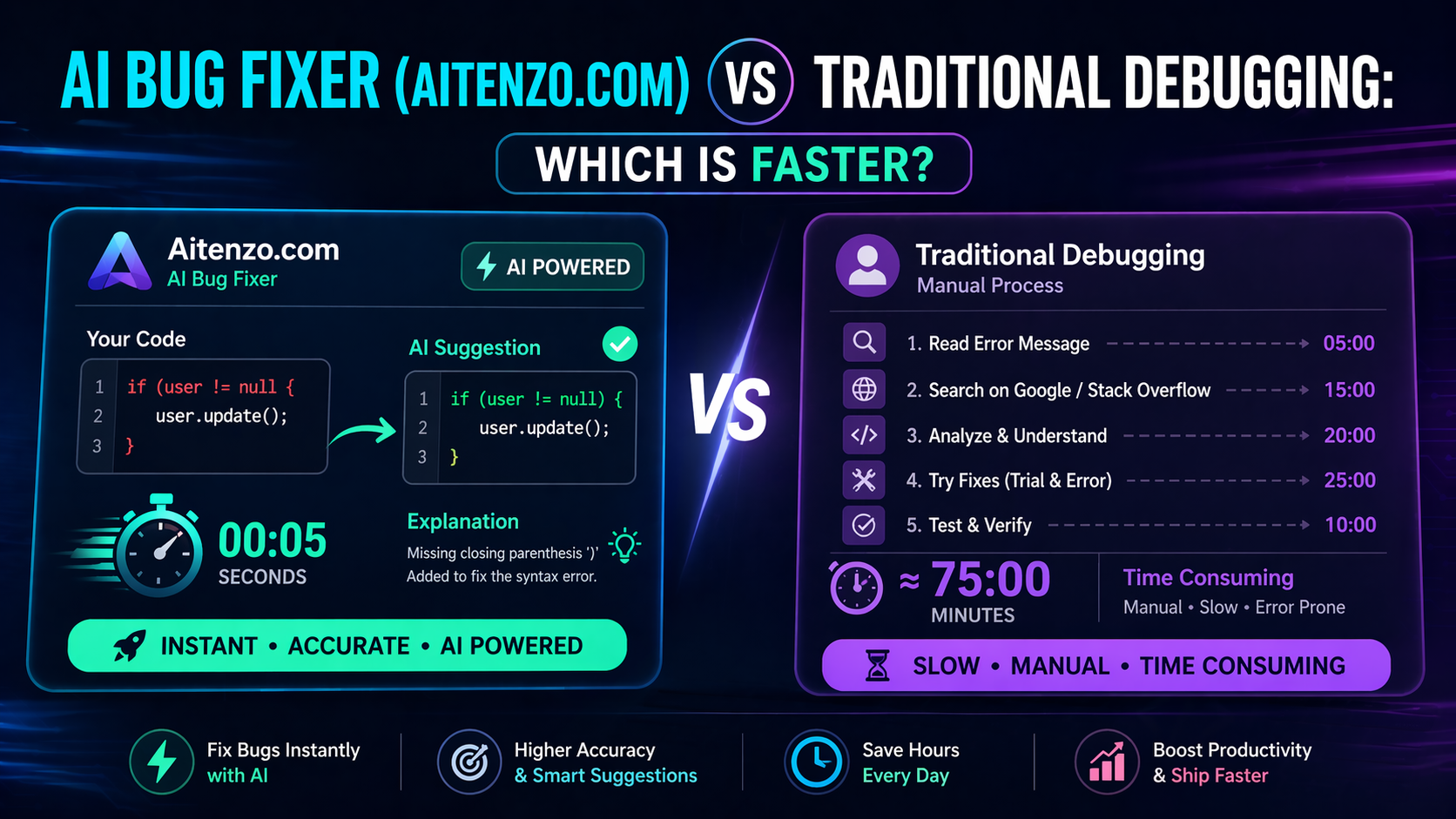
Traditional debugging is not a single action—it’s a multi-step workflow:
Identify the error
Read stack trace
Search on Stack Overflow or documentation
Test multiple fixes
Re-run and validate
This approach works, but it’s highly dependent on:
Developer experience
Familiarity with the tech stack
Availability of similar issues online
Even for experienced developers, this cycle can take anywhere from 10 minutes to several hours per bug.
How AI Bug Fixers Like Aitenzo Work
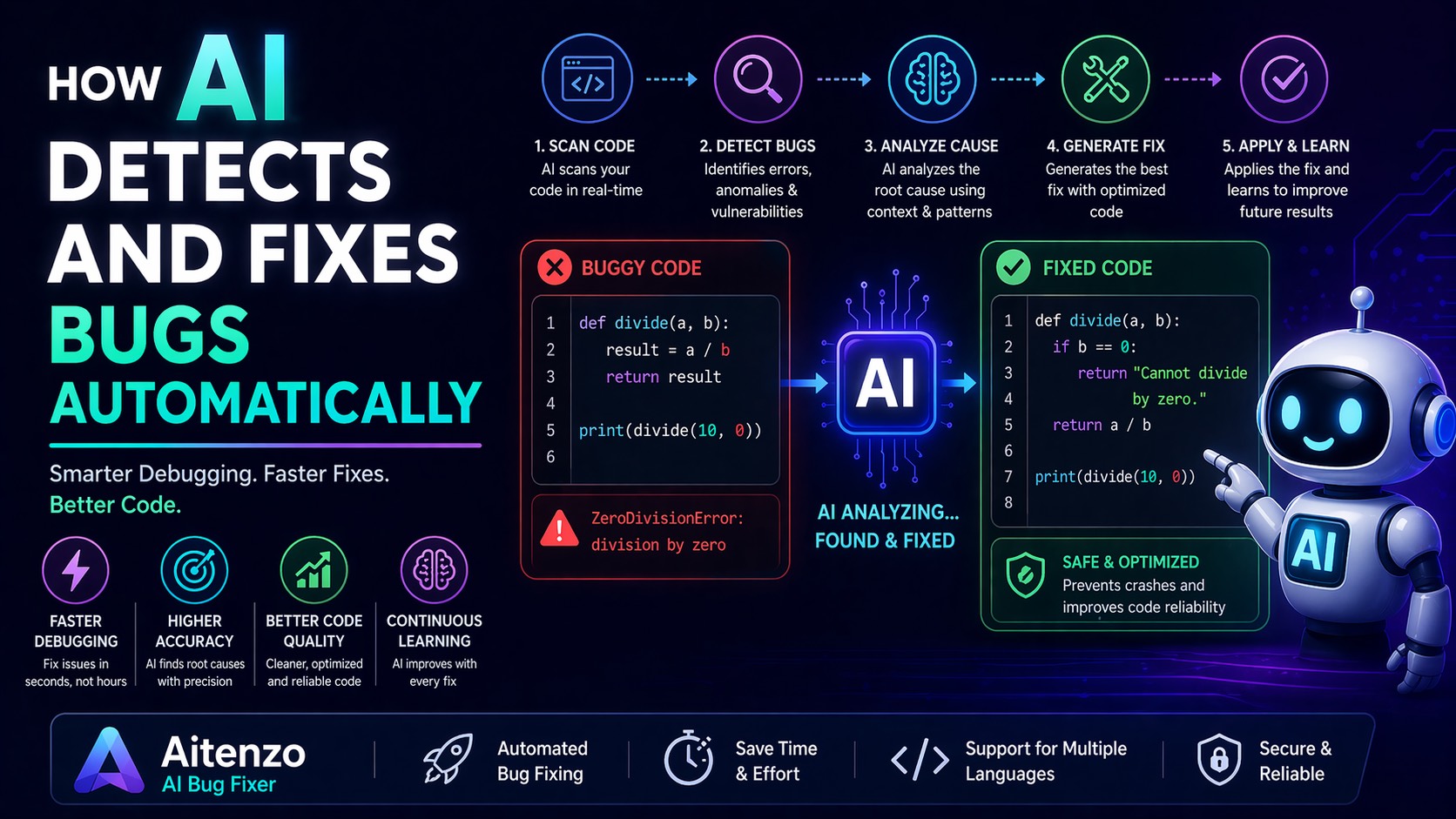
AI debugging tools operate differently. Instead of searching for solutions, they generate them.
Platforms like Aitenzo:
Analyze your code in real-time
Detect syntax, runtime, and logic issues
Suggest exact fixes with context
Provide explanations for learning
Unlike static forums, AI adapts to your specific codebase—not just similar problems.
Speed Comparison: Real-World Scenarios
1. Syntax Errors
Traditional Approach:
Identify error line
Manually inspect
Fix trial-and-error
Time: 2–10 minutes
With AI (Aitenzo):
Paste code → instant fix suggestion
Time: ~5–15 seconds
2. Runtime Errors
Example: Undefined variables, null references
Traditional:
Trace execution flow
Debug step-by-step
Time: 15–45 minutes
AI Approach:
AI identifies root cause directly
Suggests corrected logic
Time: ~30–60 seconds
3. Logic Errors (The Real Time Killer)
These are the hardest—code runs but gives wrong output.
Traditional:
Manual reasoning
Extensive testing
Time: 30 minutes → several hours
AI (Aitenzo):
Compares expected vs actual behavior
Suggests logical corrections
Time: 1–3 minutes
Why AI Is Structurally Faster
1. No Context Switching
Traditional debugging forces you to leave your editor, search online, and interpret results.
AI keeps everything in one flow.
2. Pattern Recognition at Scale
AI has been trained on massive datasets of code and errors. It recognizes patterns instantly that may take humans years to internalize.
3. Zero Guesswork
Instead of testing multiple fixes, AI typically provides a direct, working solution.
4. Continuous Learning Loop
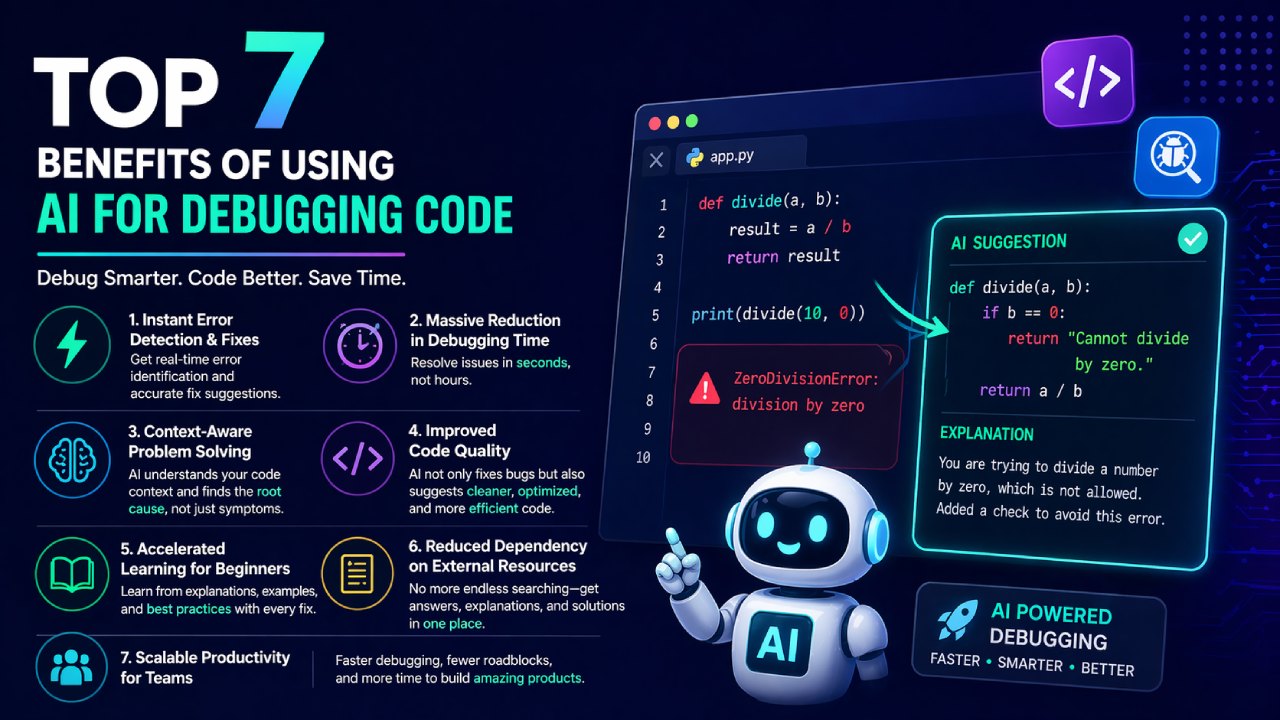
AI doesn’t just fix—it explains. This reduces future debugging time significantly.
Where Traditional Debugging Still Wins
AI isn’t perfect. There are scenarios where manual debugging is still necessary:
Complex System Architecture Issues
Distributed systems
Race conditions
Infrastructure-level bugs
These often require human-level system understanding.
Highly Custom Business Logic
AI may not fully understand:
Domain-specific rules
Internal workflows
In these cases, it assists—but doesn’t replace.
Debugging Without Context
If you provide incomplete code, AI accuracy drops. Traditional debugging forces deeper inspection.
Hybrid Workflow: The Real Winner
Top developers aren’t choosing one over the other—they’re combining both.
A practical workflow:
Run code
Hit error
Use Aitenzo for instant fix
Validate manually
Optimize with AI suggestions
This hybrid model delivers:
Speed from AI
Accuracy from human validation
Performance Benchmarks (Practical Insight)
Across common development scenarios:
AI debugging reduces fix time by 70–90%
Junior developers benefit the most (steeper learning curve reduction)
Senior developers use AI to eliminate repetitive debugging tasks
The net result: more time building, less time fixing
Cost of Time: The Hidden Factor
Debugging isn’t just technical—it’s economic.
Let’s say:
Developer hourly rate: ₹1000–₹3000
Time saved per bug: 30 minutes
Over dozens of bugs, AI tools like Aitenzo can save thousands of rupees per week per developer.
For teams, this compounds rapidly.
Final Perspective
The question isn’t whether AI is faster—it clearly is in most scenarios.
The real shift is this:
Traditional debugging = reactive, manual, time-intensive
AI debugging = proactive, automated, near-instant
Developers who integrate AI into their workflow aren’t just saving time—they’re operating at a completely different velocity.