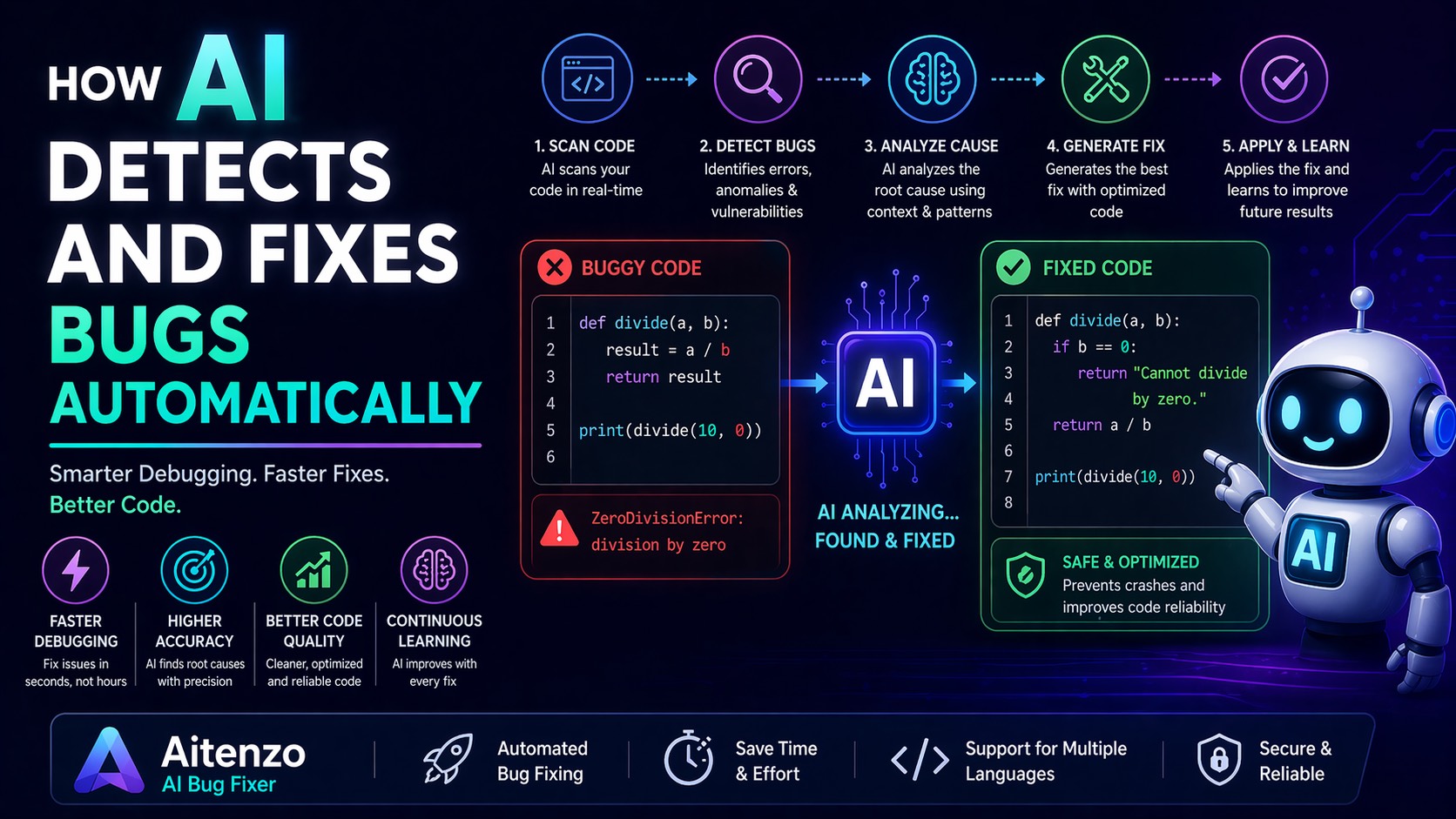
AI is changing that dynamic. Tools like ChatGPT, GitHub Copilot, and specialized platforms such as Aitenzo are transforming debugging from a manual grind into a fast, intelligent workflow.
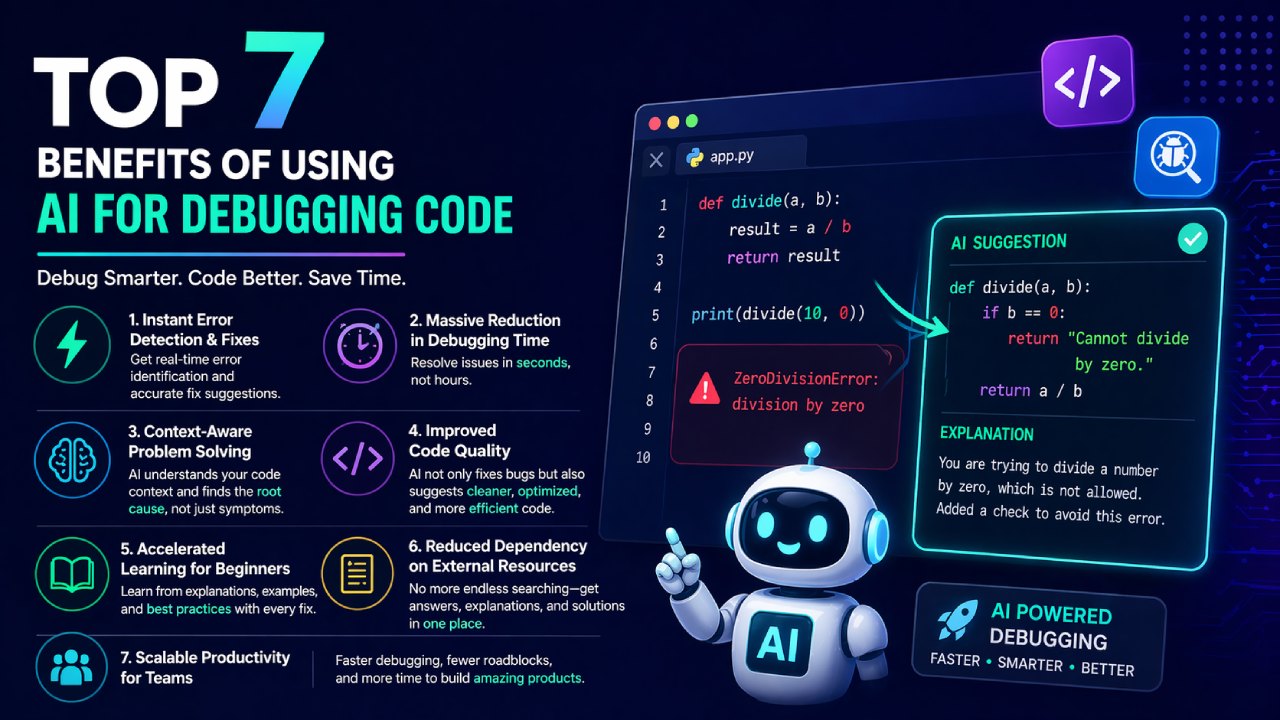
Here’s a structured breakdown of the top 7 benefits of using AI for debugging code, with practical insights you can apply immediately.
1. Instant Error Detection and Fix Suggestions
AI doesn’t just identify errors—it suggests fixes in real time.
Instead of:
Reading logs
Searching forums
Testing multiple solutions
You can:
Paste your error
Get corrected code within seconds
This drastically reduces turnaround time, especially for common issues like:
Syntax errors
Type mismatches
Missing dependencies
For beginners, this feels like having a senior developer available 24/7.
2. Massive Reduction in Debugging Time
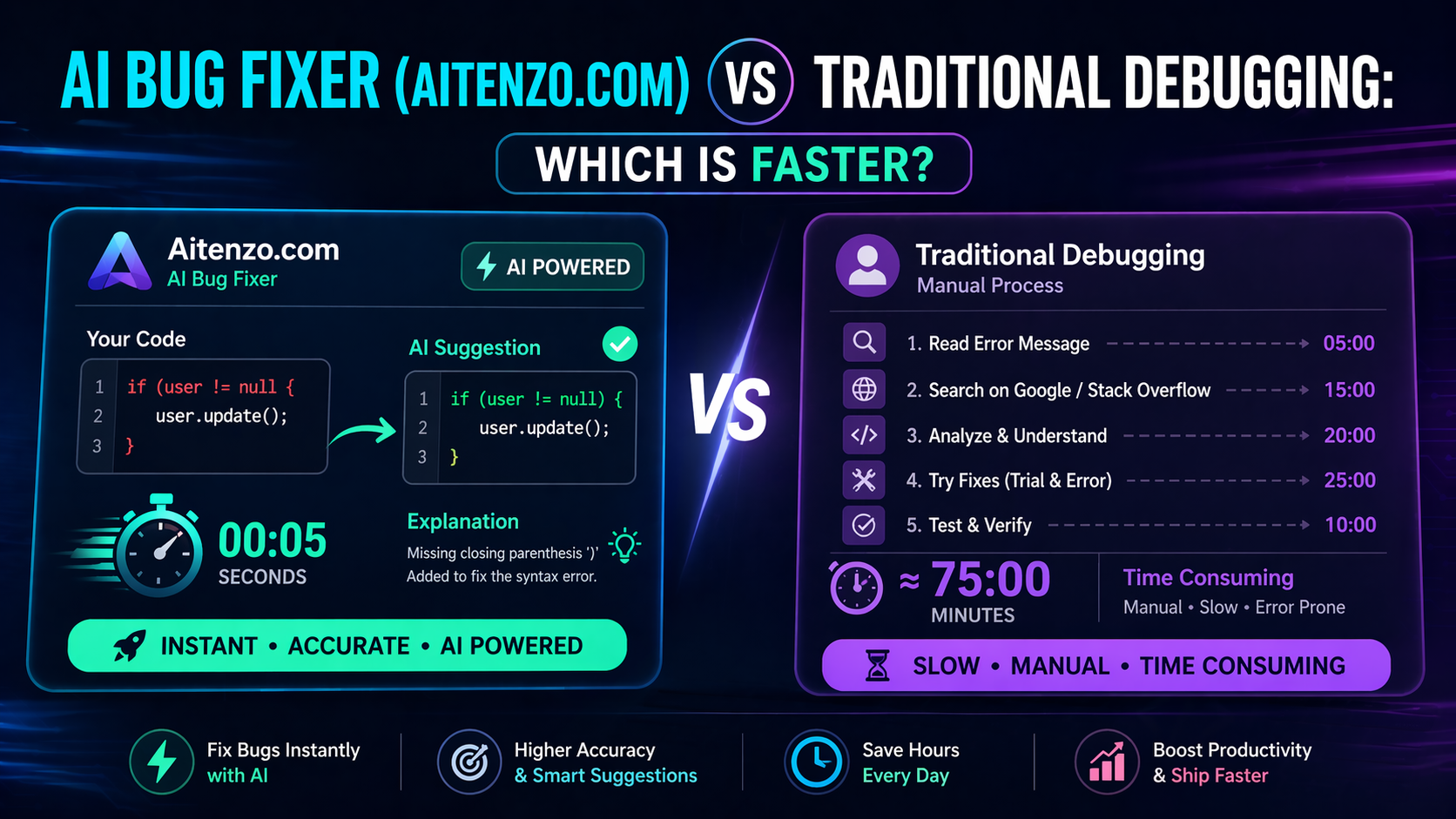
Traditional debugging is iterative and slow. AI compresses that cycle.
Typical comparison:
Manual debugging: 15–60 minutes per issue
AI-assisted debugging: 10–60 seconds
This efficiency compounds across projects. Over time, developers reclaim hours that would otherwise be lost in trial-and-error debugging.
3. Context-Aware Problem Solving
Unlike static resources, AI understands your specific code context.
Platforms like Aitenzo analyze:
Code structure
Variable usage
Function relationships
This allows AI to:
Identify root causes, not just symptoms
Suggest fixes tailored to your exact implementation
This is a significant upgrade over generic solutions from Stack Overflow.
4. Improved Code Quality (Not Just Bug Fixes)
AI doesn’t stop at fixing errors—it improves your code.
After resolving an issue, AI often suggests:
Cleaner syntax
Better logic structure
Performance optimizations
This leads to:
More maintainable code
Fewer future bugs
Higher overall code standards
In many cases, your “fixed” code ends up better than your original version.
5. Accelerated Learning for Beginners
Debugging is one of the hardest skills for new developers to master.
AI shortens the learning curve by:
Explaining errors in simple terms
Showing correct implementations
Highlighting common mistakes
Instead of just fixing problems, tools like ChatGPT teach you why the error happened.
This transforms debugging from a frustrating task into a learning opportunity.
6. Reduced Dependency on External Resources
Before AI, developers relied heavily on:
Documentation
Forums
Tutorials
Now, AI consolidates all of that into one interface.
You no longer need to:
Open multiple tabs
Compare conflicting answers
Adapt generic solutions
Everything happens in a single, streamlined workflow.
7. Scalable Productivity for Teams
AI debugging isn’t just an individual advantage—it scales across teams.
For development teams, this means:
Faster issue resolution
Reduced backlog of bugs
More time for feature development
Junior developers become productive faster, while senior developers can focus on architecture instead of repetitive debugging.
Tools like Aitenzo effectively act as a force multiplier, increasing overall team velocity.
The Shift in Developer Workflow
With AI integrated into debugging, the workflow changes:
Before:
Code → Error → Search → Trial → Fix
Now:
Code → Error → AI → Fix + Improve
This shift eliminates friction and keeps developers in a continuous flow state.
Practical Tip: How to Maximize These Benefits
To fully leverage AI debugging:
Always provide full error messages
Include relevant code snippets
Ask for explanations, not just fixes
Request optimization after resolving errors
The quality of your input directly impacts the quality of AI output.
AI debugging isn’t just a productivity hack—it’s becoming a standard development practice. Developers who adopt it early are not only faster but also more efficient, more consistent, and better equipped to handle complex codebases.