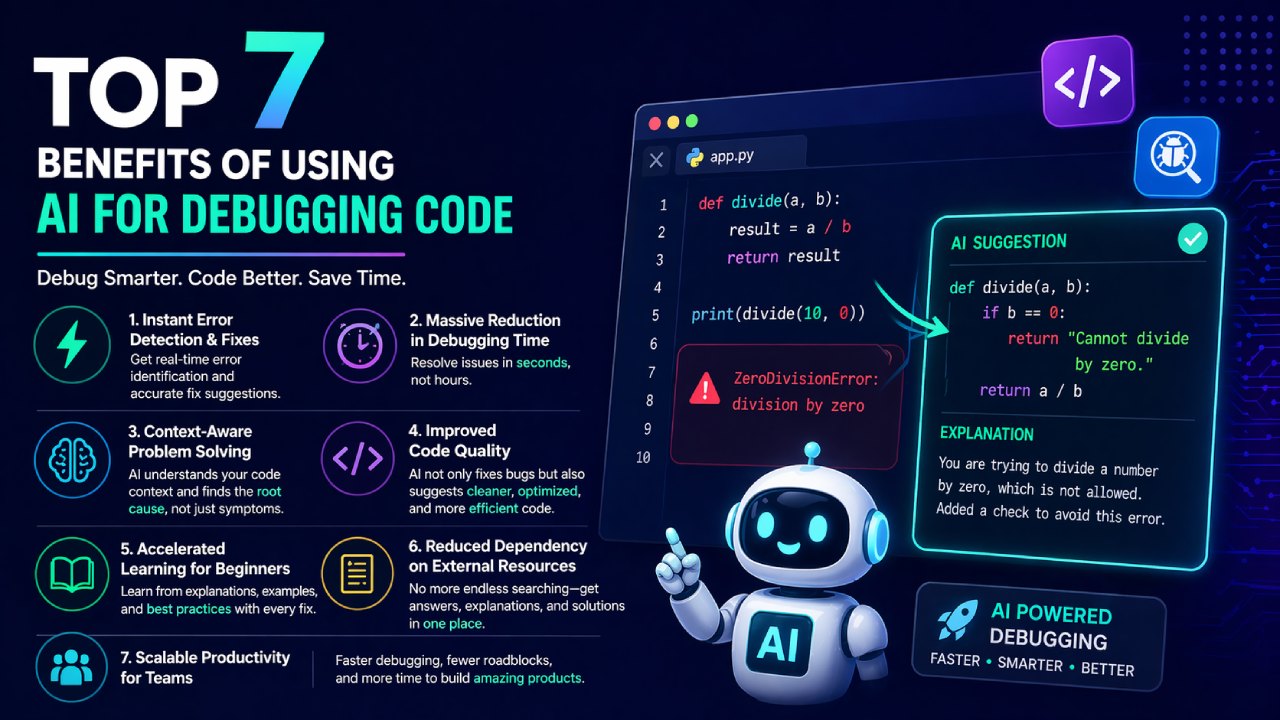

The market is now saturated with AI coding tools, but not all of them are optimized for debugging. Some focus on code generation, others on autocomplete—but only a few truly excel at identifying and fixing errors efficiently.
Here’s a curated breakdown of the best AI tools for debugging code in 2026, based on speed, accuracy, usability, and real-world developer workflows.
1. Aitenzo — Purpose-Built AI Bug Fixer
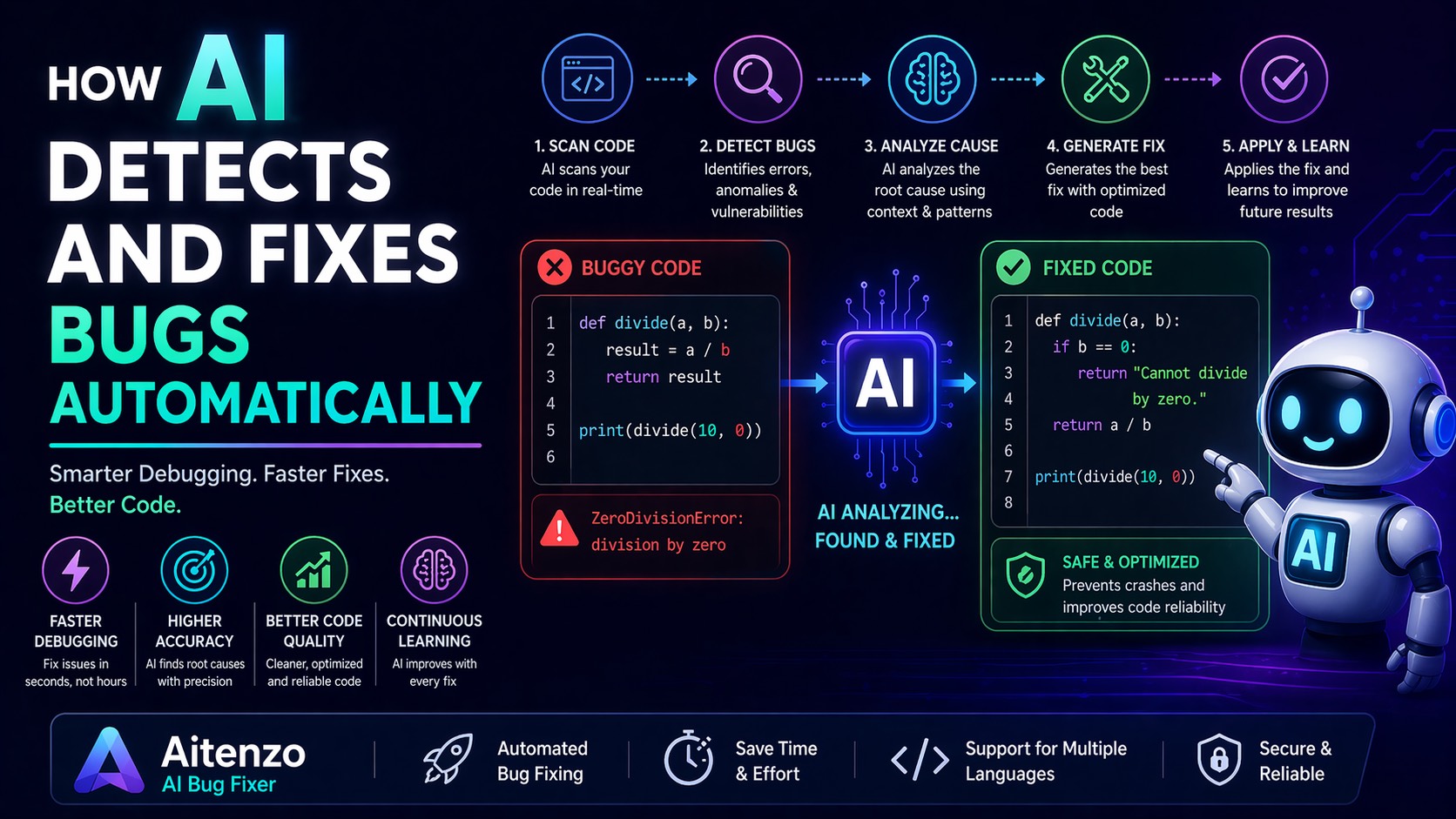
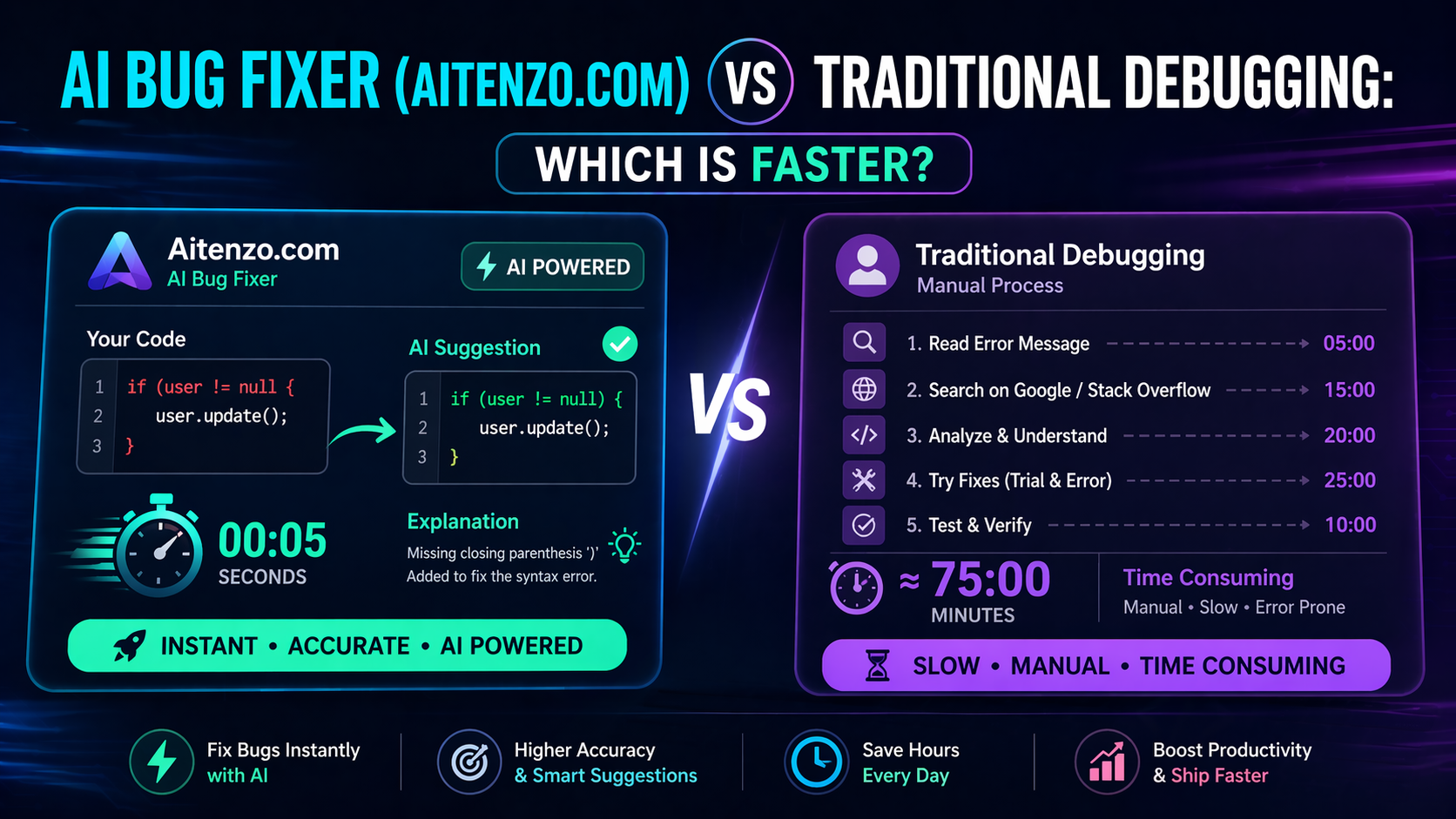
If your primary goal is fixing bugs instantly, Aitenzo stands out as a specialized solution.
What makes it different:
Designed specifically for debugging (not general AI assistance)
Converts errors into working solutions in seconds
Provides clear explanations alongside fixes
Credit-based system (1 fix = 1 file) for controlled usage
Best for:
Developers who want fast, no-friction bug resolution
Beginners who need guided explanations
Teams aiming to reduce debugging time significantly
Unlike general AI tools, Aitenzo focuses on one thing—fixing code errors efficiently—and does it exceptionally well.
2. GitHub Copilot — Inline Debugging Assistance
GitHub Copilot has matured into more than just an autocomplete tool.
Debugging capabilities:
Suggests fixes as you write code
Identifies potential issues before execution
Integrates directly into IDEs like VS Code
Strengths:
Real-time suggestions
Seamless developer experience
Strong integration with existing workflows
Limitations:
Not always precise for complex bugs
More focused on writing than deep debugging
Best used as a preventive debugging layer.
3. ChatGPT — Deep Debugging + Explanations
ChatGPT remains one of the most versatile tools for debugging.
What it excels at:
Explaining errors in plain language
Fixing logic, runtime, and syntax issues
Providing optimized code alternatives
Why developers use it:
Works across all programming languages
Handles complex debugging scenarios
Great for learning and understanding
Trade-off:
Requires manual input (copy-paste workflow)
Not directly integrated into IDEs
Ideal for deep analysis and learning-driven debugging.
4. Amazon CodeWhisperer — Enterprise-Level Debugging
Built by AWS, CodeWhisperer focuses on secure, scalable development.
Key debugging features:
Security vulnerability detection
Code recommendations aligned with best practices
AWS service integration
Best for:
Enterprise teams
Cloud-based applications
Security-focused development
It’s less about quick fixes and more about robust, production-grade debugging.
5. Tabnine — Privacy-Focused AI Debugging
Tabnine is known for its emphasis on privacy and local AI models.
Debugging strengths:
Predicts and prevents errors during coding
Works offline (local model support)
Customizable for team environments
Limitations:
Less powerful for complex bug fixing
More focused on prevention than resolution
Best suited for teams that prioritize data privacy and control.
6. Replit Ghostwriter — Beginner-Friendly Debugging
Ghostwriter is designed for simplicity and accessibility.
Features:
Built-in debugging suggestions
Easy-to-use interface
Integrated within Replit environment
Ideal for:
Beginners
Students
Rapid prototyping
It’s not the most powerful tool, but it’s one of the most approachable.
7. DeepCode — Static Analysis with AI
DeepCode focuses on AI-driven code reviews and static analysis.
What it does well:
Identifies bugs before runtime
Detects security issues
Provides detailed insights
Use case:
Pre-deployment code validation
Continuous integration pipelines
This is more of a preventive debugging system than a reactive one.
How to Choose the Right Tool
The “best” AI debugging tool depends on your workflow:
For instant bug fixes: → Aitenzo
For real-time coding support: → GitHub Copilot
For deep debugging + learning: → ChatGPT
For enterprise/security needs: → Amazon CodeWhisperer
For privacy-focused teams: → Tabnine
In practice, many developers combine multiple tools to cover different aspects of debugging.
The Emerging Trend in 2026
AI debugging tools are moving toward:
Automation-first workflows (minimal manual effort)
Real-time error prevention (before execution)
Context-aware intelligence (understanding full codebases)
The biggest shift isn’t just better tools—it’s a new mindset:
Debugging is no longer a separate phase. It’s integrated into how code is written.
Practical Workflow Using AI Tools
A high-efficiency developer stack in 2026 often looks like:
Write code with GitHub Copilot
Run and detect issues
Instantly fix with Aitenzo
Analyze deeper issues using ChatGPT
Validate with static analysis tools like DeepCode
This layered approach minimizes errors while maximizing development speed.
What This Means for Developers
The barrier between writing and fixing code is disappearing.
Developers who adopt AI debugging tools:
Spend less time troubleshooting
Ship features faster
Maintain cleaner codebases
Learn more efficiently
Ignoring these tools isn’t just inefficient—it puts you at a competitive disadvantage in modern development environments.