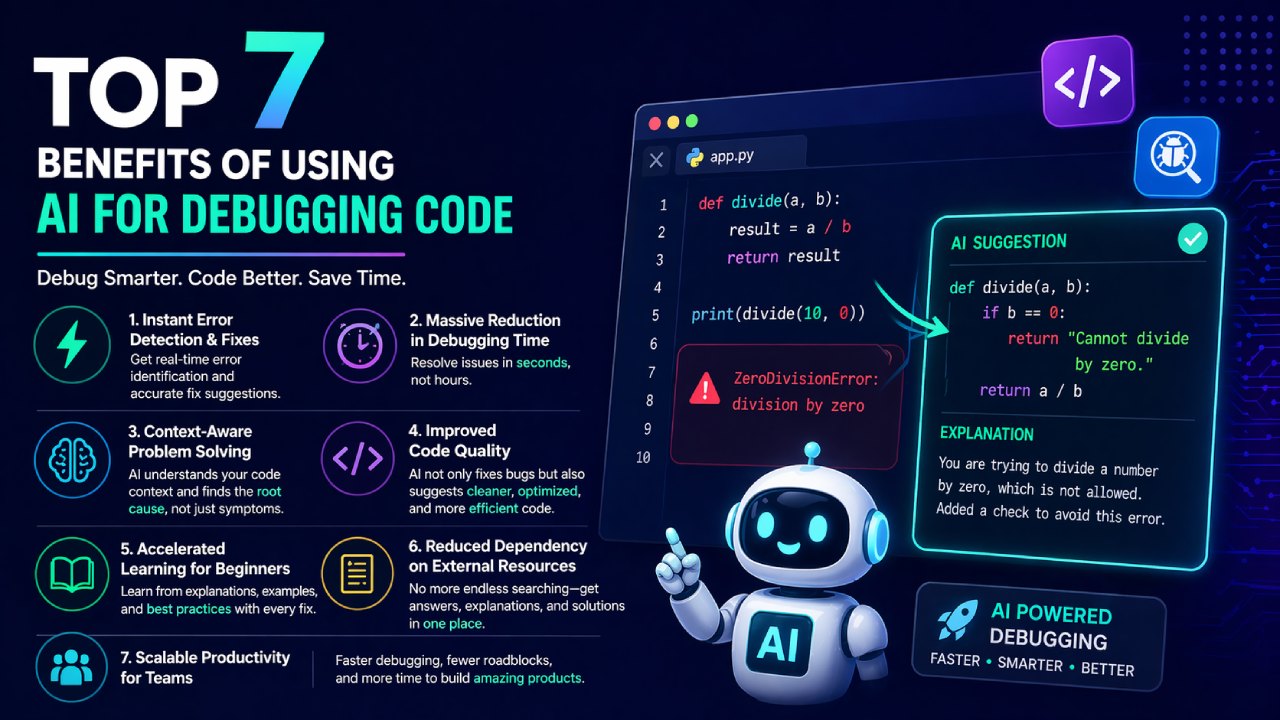
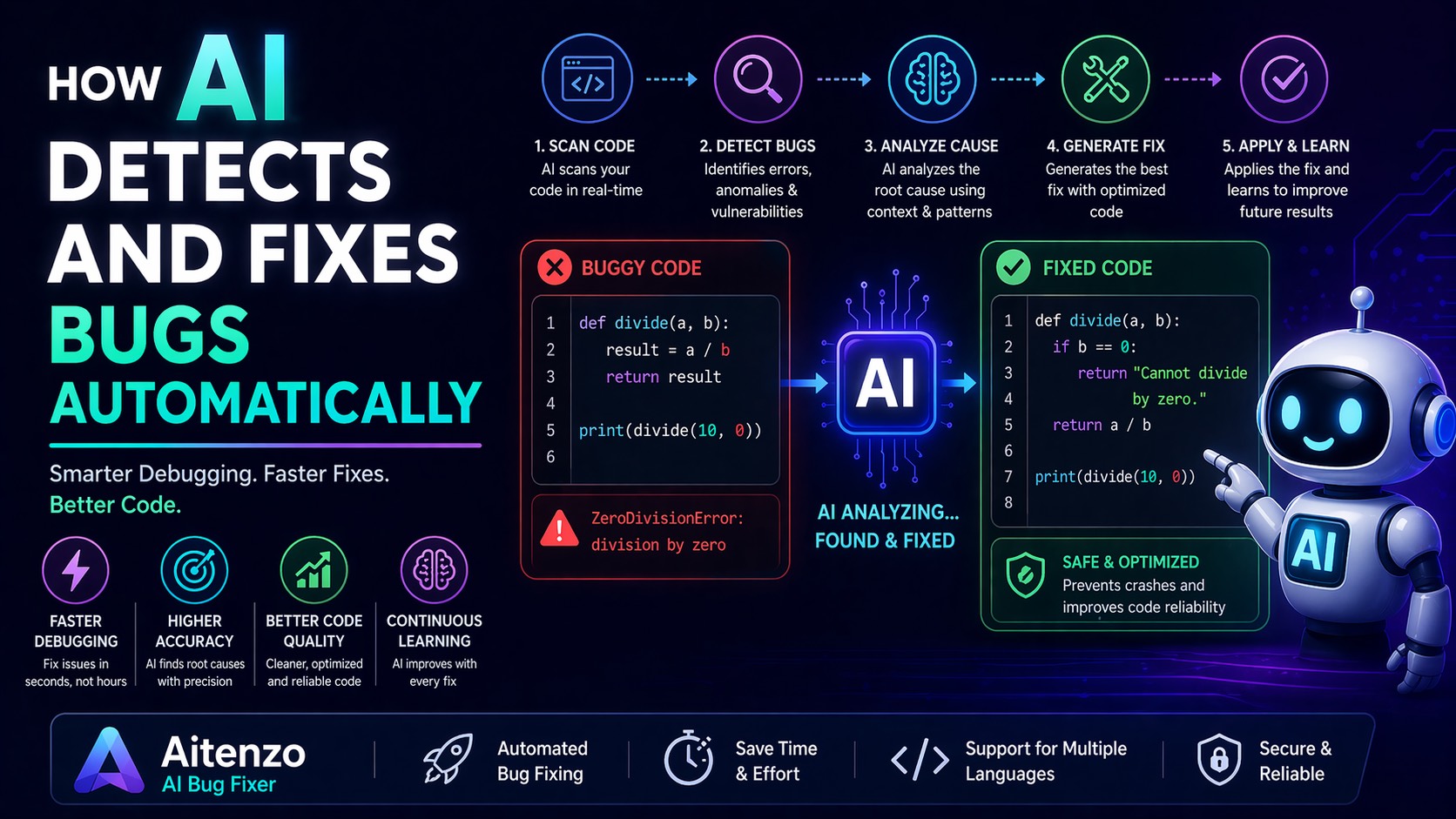
AI changes that equation. Instead of reacting to bugs step-by-step, modern systems can detect, analyze, and fix issues automatically—often before you fully understand what went wrong.
This isn’t magic. It’s a combination of pattern recognition, code understanding, and probabilistic reasoning powered by large-scale training data.
The Core Idea: From Reactive Debugging to Predictive Fixing
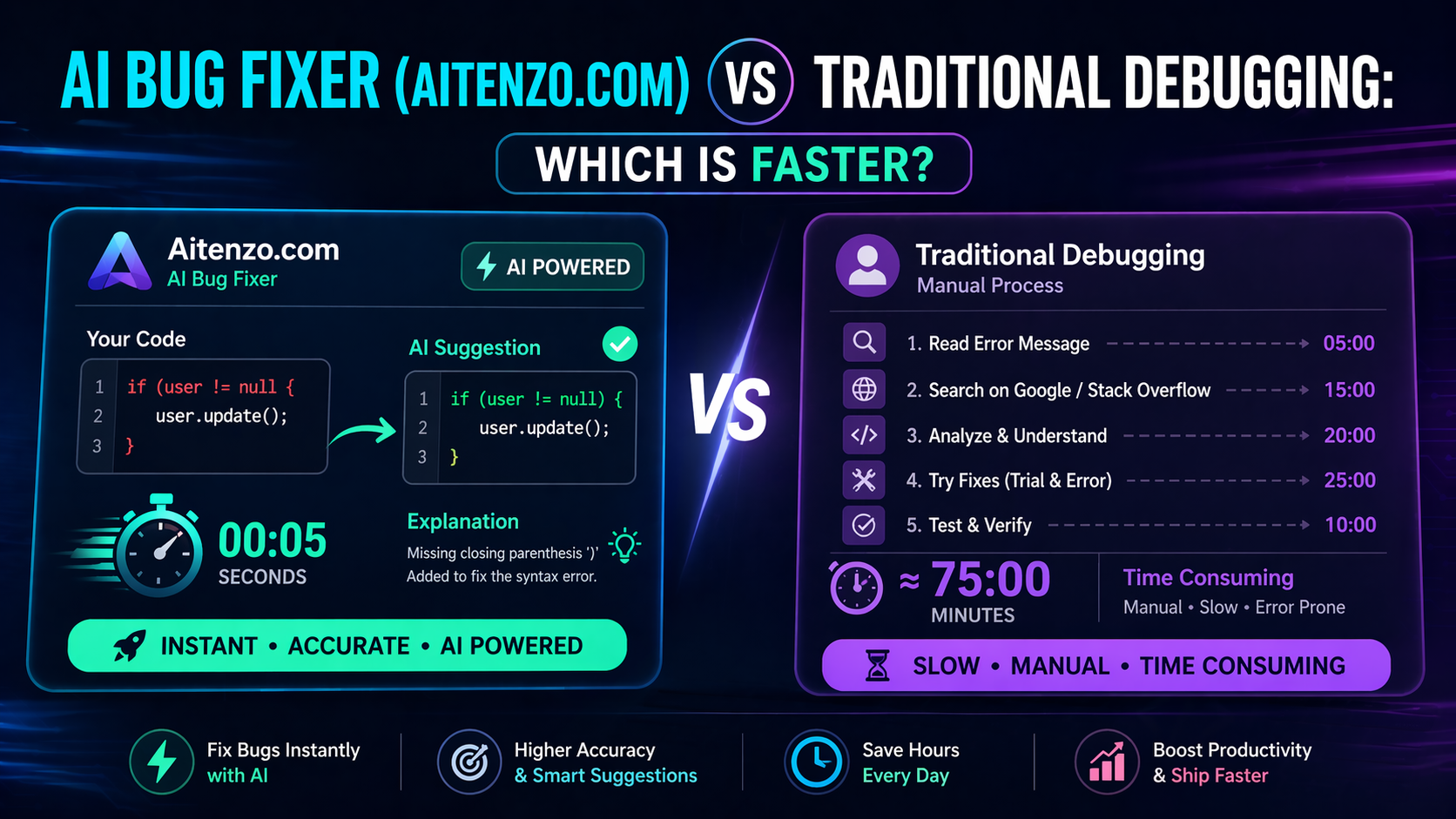
Traditional debugging is reactive:
Error appears
Developer investigates
Fix is applied
AI debugging is predictive and proactive:
AI scans code continuously
Identifies anomalies
Suggests or applies fixes instantly
Tools like Aitenzo and ChatGPT operate on this model, reducing debugging from a process into a near-instant action.
Step 1: Code Ingestion and Context Understanding
Before AI can fix anything, it needs to understand your code.
It analyzes:
Syntax structure
Variables and data types
Function relationships
Control flow
Unlike basic linters, AI builds a contextual map of your codebase. This allows it to understand not just what the code says—but what it is trying to do.
For example:
Detecting misuse of variables
Identifying unreachable code
Spotting inconsistent logic
This is the foundation of automatic bug detection.
Step 2: Pattern Recognition from Massive Training Data
AI models are trained on:
Millions of code repositories
Common error patterns
Real-world bug fixes
This gives them the ability to instantly recognize patterns like:
Type mismatches
Null reference errors
Incorrect function usage
When your code triggers a similar pattern, AI doesn’t “search”—it matches and predicts.
That’s why it can often fix errors faster than a human scanning documentation or forums like Stack Overflow.
Step 3: Error Classification and Root Cause Analysis
Once a bug is detected, AI categorizes it:
Syntax Errors → Missing brackets, invalid expressions
Runtime Errors → Crashes during execution
Logic Errors → Incorrect output despite valid execution
More importantly, AI focuses on the root cause, not just the visible symptom.
For example:
Instead of just fixing a crash, it identifies why the variable was null
Instead of correcting syntax, it checks if the logic is correct
This depth is what enables automatic fixing—not just detection.
Step 4: Generating the Fix
This is where AI becomes powerful.
Using its understanding of:
Your code context
Known patterns
Expected behavior
AI generates:
Corrected code
Improved logic (if needed)
Safer implementations
Example:
Before:
user = None
print(user.name)
AI Fix:
if user is not None:
    print(user.name)
else:
    print("User not found")
This is not just a patch—it’s a more robust solution.
Step 5: Explanation and Learning Layer
Most modern AI tools don’t just fix bugs—they explain them.
Platforms like ChatGPT provide:
Why the error occurred
What changed in the fix
How to avoid it in the future
This transforms debugging into a learning loop, especially valuable for beginners.
Step 6: Continuous Improvement Through Feedback
AI systems improve over time through:
User interactions
Code corrections
Feedback loops
Every fix helps refine future predictions.
In platforms like Aitenzo, this means:
Better accuracy
Faster suggestions
More context-aware fixes
The system effectively becomes smarter with usage.
Real-World Capabilities of AI Bug Fixing
Instant Fix Suggestions
Paste an error → get a working solution in seconds
Multi-Language Support
AI can debug across:
Python
JavaScript
PHP
Java
…and more
Code Optimization
Beyond fixing bugs, AI often:
Improves performance
Refactors messy code
Suggests best practices
Limitations You Should Be Aware Of
AI is powerful, but not infallible.
1. Complex System-Level Bugs
Distributed systems, race conditions, and infrastructure issues still require human expertise.
2. Incomplete Context
If you provide partial code, AI may generate incomplete or incorrect fixes.
3. Business Logic Understanding
AI may struggle with highly domain-specific rules that aren’t obvious from code alone.
The Bigger Shift: Debugging as an Automated Layer
AI is turning debugging into something closer to:
Spell-check for code
Real-time code reviewer
Automated issue resolver
Instead of being a separate phase, debugging is becoming embedded in the development process.
Practical Workflow with AI Debugging
A modern developer workflow looks like this:
Write code
Run it
Error appears
Use Aitenzo or ChatGPT
Apply fix instantly
Continue building
No context switching, no long delays.
Why This Matters for Developers
The real advantage isn’t just speed—it’s momentum.
Fewer interruptions
Faster iteration cycles
Reduced frustration
Better learning outcomes
AI doesn’t eliminate debugging—it compresses it into seconds and integrates it seamlessly into development.
For modern developers, this isn’t optional anymore. It’s quickly becoming the standard way to write, test, and maintain code.