If you want to debug efficiently, you need two things:
Pattern recognition (what kind of error is this?)
A repeatable fix workflow
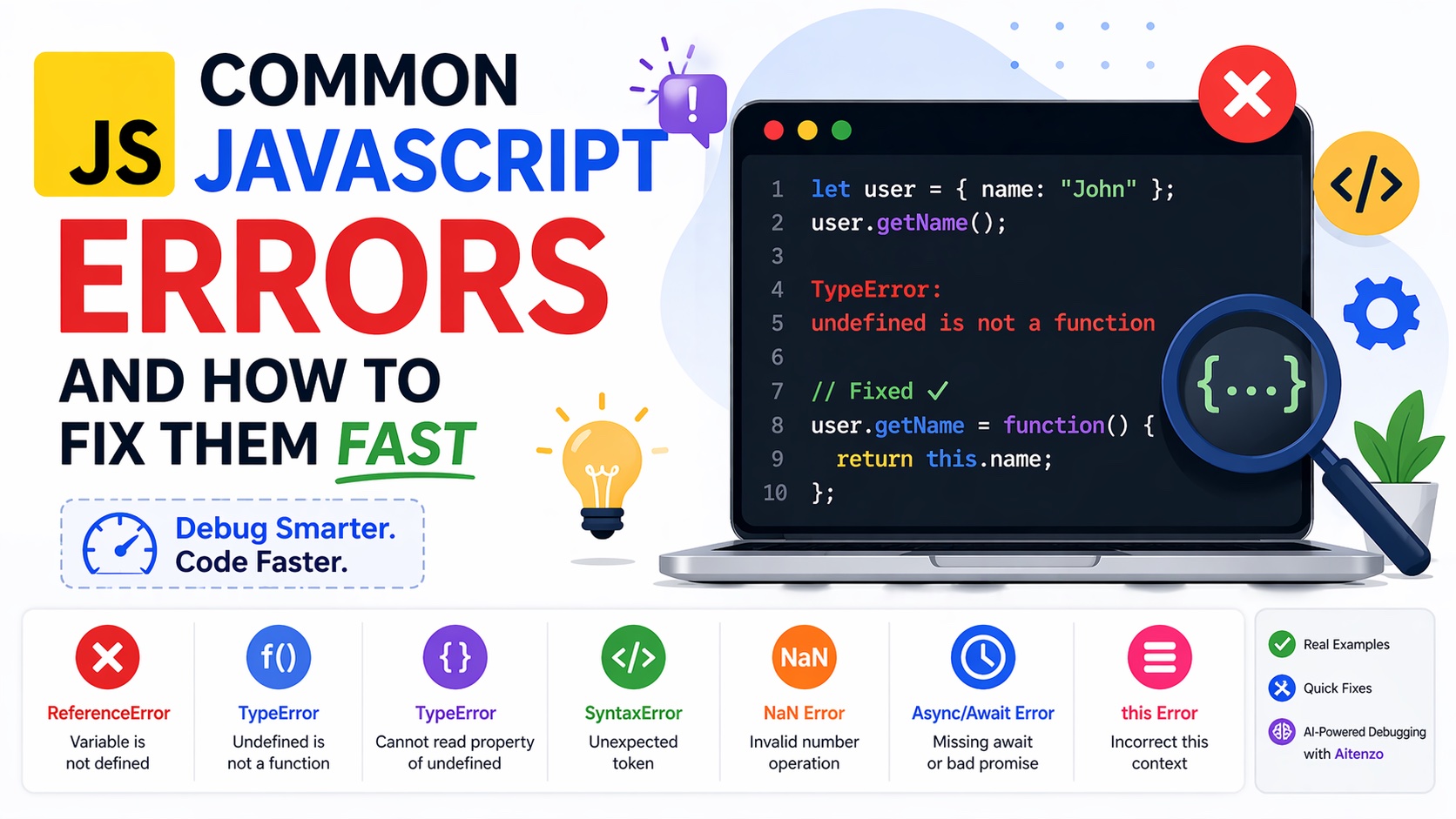
This guide breaks down the most common JavaScript errors and shows exactly how to fix them—fast.
1. ReferenceError: Variable Is Not Defined
console.log(userName); // ❌ ReferenceError
Why it happens
You’re trying to use a variable that hasn’t been declared or is out of scope.
Fast fix
Check spelling
Ensure variable is declared
Verify scope (block vs global)
let userName = "John";
console.log(userName); // ✅
2. TypeError: Undefined Is Not a Function
let user = {};
user.getName(); // ❌
Why it happens
You’re calling something that isn’t a function.
Fast fix
Confirm the function exists
Validate object structure
Check imports
user.getName = function() {
  return "John";
};
user.getName(); // ✅
This is one of the most frequent runtime issues and often tied to incorrect assumptions about data.
3. Cannot Read Properties of Undefined
let user;
console.log(user.name); // ❌
Why it happens
You’re accessing a property on undefined or null.
Fast fix
Use optional chaining:
console.log(user?.name); // ✅ safe
Or validate before access:
if (user) {
  console.log(user.name);
}
4. SyntaxError: Unexpected Token
if (true {
  console.log("Hello");
}
Why it happens
Invalid JavaScript syntax—missing brackets, commas, etc.
Fast fix
Check brackets
() {}Validate commas and semicolons
Use a linter
if (true) {
  console.log("Hello");
}
5. TypeError: Assignment to Constant Variable
const x = 10;
x = 20; // ❌
Why it happens
You’re trying to reassign a const.
Fast fix
Use let if reassignment is needed:
let x = 10;
x = 20; // ✅
6. NaN Bugs (Not a Number)
let result = "10" - "abc"; // NaN
Why it happens
Invalid numeric operations.
Fast fix
Validate inputs:
let num = Number("10");
if (!isNaN(num)) {
  // safe to use
}
7. Async/Await Errors
async function fetchData() {
  let data = fetch("/api"); // ❌ missing await
}
Why it happens
You forgot await, so you’re working with a Promise instead of data.
Fast fix
let data = await fetch("/api"); // ✅
Also wrap in try/catch:
try {
  let data = await fetch("/api");
} catch (err) {
  console.error(err);
}
8. Infinite Loop / Maximum Call Stack
function loop() {
  loop(); // ❌ recursion without stop
}
Why it happens
No termination condition.
Fast fix
Add a base condition:
function loop(n) {
  if (n <= 0) return;
  loop(n - 1);
}
9. this Context Issues
const obj = {
  name: "John",
  getName() {
    return this.name;
  }
};

const fn = obj.getName;
fn(); // ❌ undefined
Why it happens
this is lost when function is detached.
Fast fix
fn.call(obj); // ✅
Or use arrow functions / binding.
10. Import/Export Errors
import { sum } from './utils.js';
If sum isn’t exported correctly → error.
Fast fix
Match export/import exactly:
export function sum() {}
Fast Debugging Framework (Use This Every Time)
When any JavaScript error appears:
Step 1: Read the Error Message Carefully
Don’t skip it—it tells you:
Type of error
File and line number
Step 2: Inspect the Value
console.log(typeof variable);
Step 3: Trace the Source
Ask:
Where is it defined?
Is it initialized?
Is it the right type?
Step 4: Reproduce in Isolation
Strip code down to minimal version.
Step 5: Use AI to Fix Instantly
Instead of manual trial-and-error, tools like:
Aitenzo
ChatGPT
can:
Identify root cause
Suggest fixes
Optimize code
This reduces debugging time from minutes to seconds.
Preventing Errors Before They Happen
Use ESLint
Catches:
Undefined variables
Syntax issues
Bad patterns
Use TypeScript
Adds:
Type safety
Compile-time error detection
Write Defensive Code
if (typeof fn === "function") {
  fn();
}
Keep Code Modular
Smaller, cleaner functions = fewer bugs.
Developer Insight
Most JavaScript errors are not complex—they’re predictable patterns.
Once you learn to recognize:
Type issues
Scope problems
Async mistakes
You stop “debugging blindly” and start fixing errors systematically.
The real advantage today is combining this understanding with AI tools like Aitenzo—so you don’t just fix bugs faster, you also understand them better while doing it.