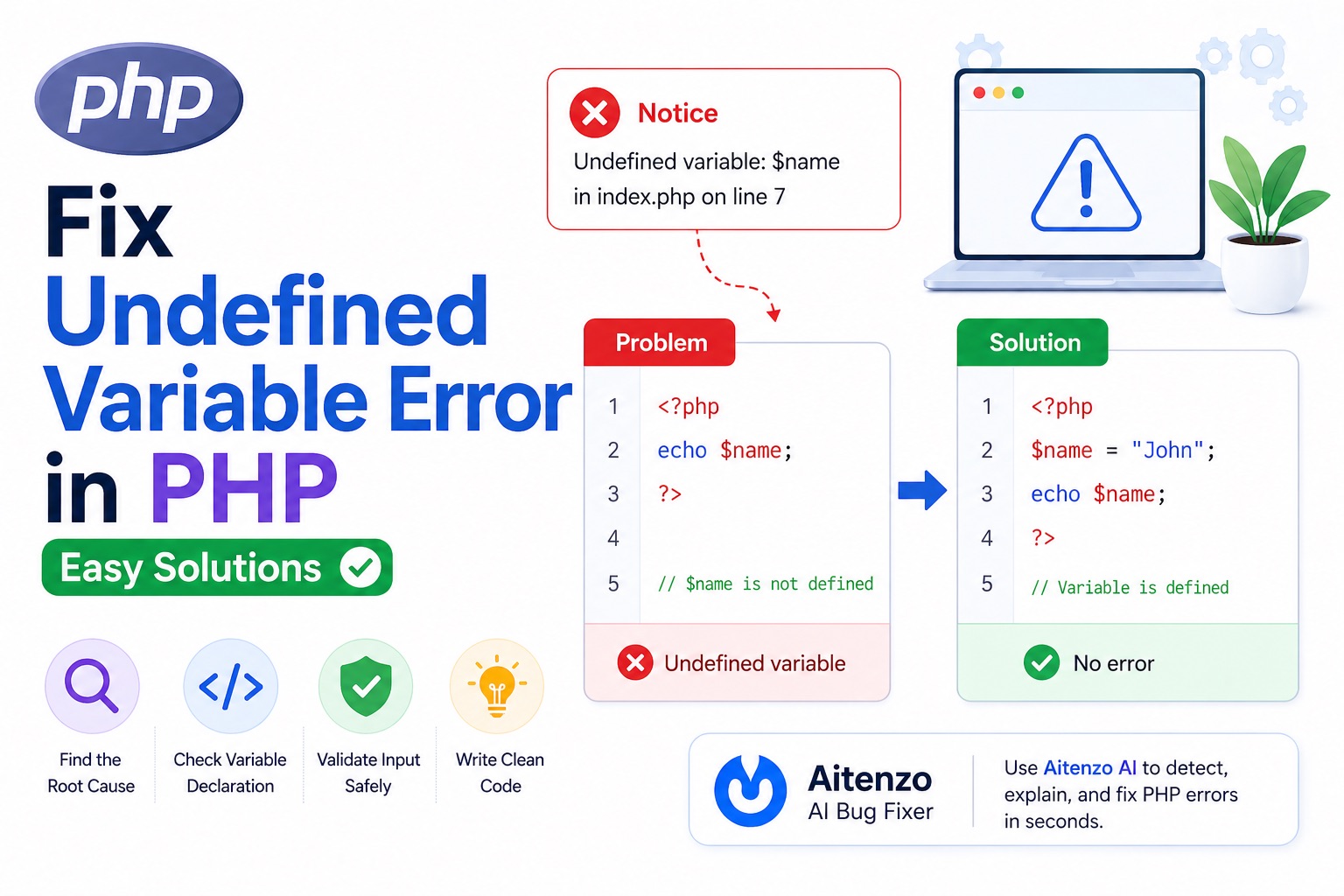
Notice: Undefined variable: name
It’s one of the most common PHP issues. It doesn’t always break your application, but it signals a deeper problem in your logic or data flow—and ignoring it can lead to bugs that are much harder to trace later.
This guide explains why undefined variable errors happen, how to fix them quickly, and how to prevent them in real-world projects.
What “Undefined Variable” Means
In PHP, a variable must be declared and assigned before use.
When you try to use a variable that hasn’t been initialized, PHP throws a notice:
<?php
echo $username; // ❌ Undefined variable
?>
PHP is essentially telling you:
“You’re using something that doesn’t exist yet.”
Why This Error Happens
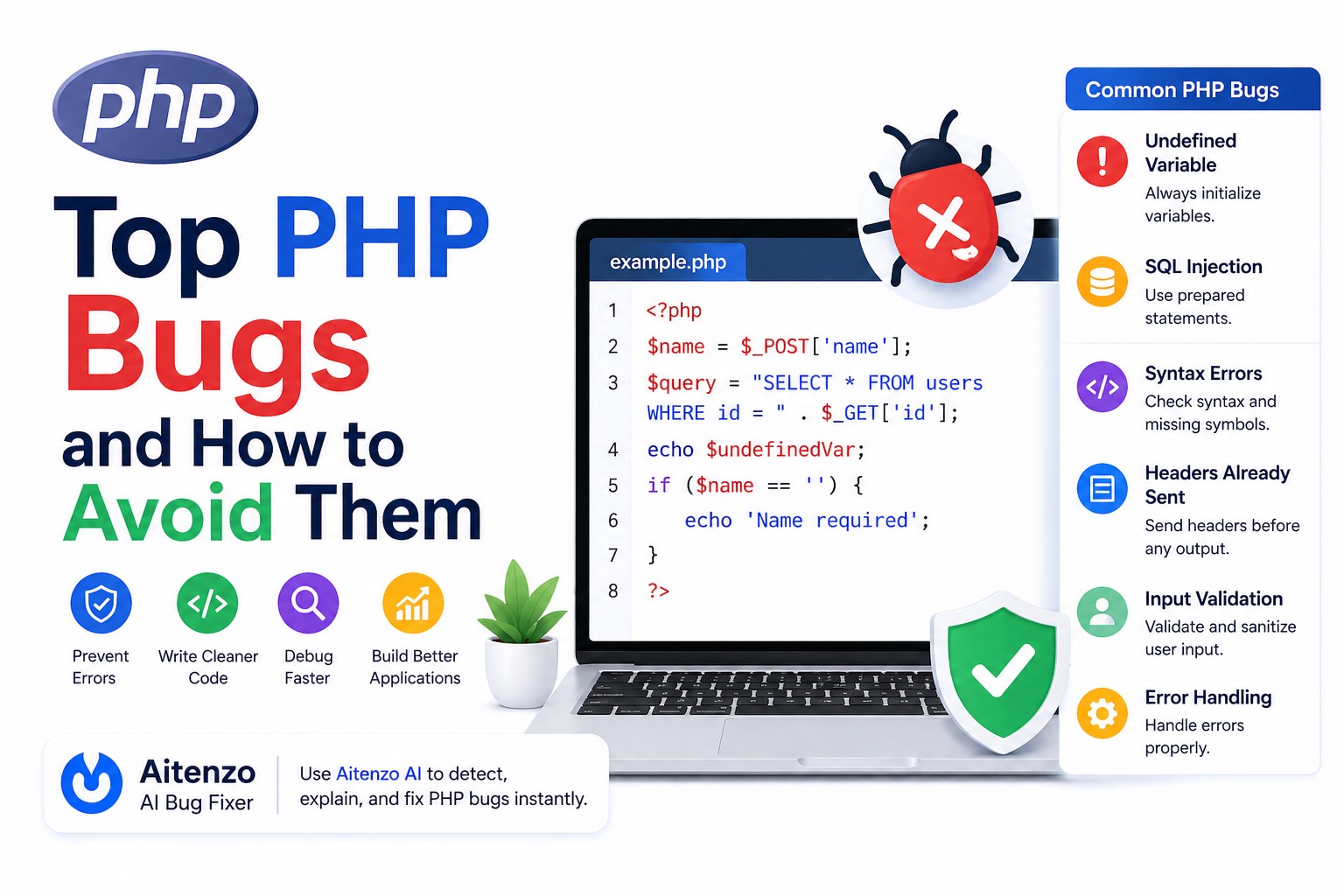
The root causes are usually simple—but frequent:
Variable not initialized
Typo in variable name
Variable used outside its scope
Missing form data (
$_POST,$_GET)Conditional assignment not executed
Understanding these patterns is key to fixing the issue fast.
Common Scenarios and Fixes
1. Variable Not Defined Before Use
<?php
echo $name;
?>
Fix:
$name = "John";
echo $name;
Always initialize variables before using them.
2. Conditional Assignment Problem
<?php
if ($isLoggedIn) {
  $user = "Admin";
}
echo $user; // ❌ may be undefined
?>
Fix:
$user = null;

if ($isLoggedIn) {
  $user = "Admin";
}

echo $user;
Initialize variables outside conditions.
3. Form Input Not Set
<?php
echo $_POST['username']; // ❌ if not submitted
?>
Fix:
echo $_POST['username'] ?? '';
Or:
if (isset($_POST['username'])) {
  echo $_POST['username'];
}
4. Typo in Variable Name
<?php
$name = "John";
echo $nam; // ❌ typo
?>
Fix:
echo $name;
Even a single character mismatch triggers the error.
5. Scope Issues
<?php
function test() {
  $x = 10;
}
echo $x; // ❌ undefined
?>
Fix:
function test() {
  return 10;
}

$x = test();
echo $x;
Variables inside functions are local scope.
6. Loop Variables Used Outside
<?php
foreach ($items as $item) {
  // logic
}
echo $item; // ❌ may be undefined
?>
Fix:
Ensure variable exists before using it outside loops.
Fast Debugging Workflow
When you see an undefined variable error, don’t guess—follow this:
Step 1: Check Where It’s Defined
Search for:
$variableName
Is it declared before use?
Step 2: Check Execution Flow
Ask:
Is this inside a condition?
Is that condition always true?
Step 3: Validate Input Sources
For forms:
$_POST, $_GET, $_SESSION
Always assume they might be missing.
Step 4: Use Debug Functions
var_dump($variable);
This confirms whether the variable exists.
Step 5: Use AI for Instant Fix
Instead of manually tracing variables, tools like:
Aitenzo
ChatGPT
can:
Identify missing variables
Suggest proper initialization
Improve your code structure
Best Practices to Prevent This Error
1. Initialize Variables Early
$username = '';
Avoid “floating variables.”
2. Use Null Coalescing Operator
$username = $_POST['username'] ?? '';
Clean and concise.
3. Use isset() for Safety
if (isset($username)) {
  echo $username;
}
4. Enable Strict Error Reporting (During Development)
error_reporting(E_ALL);
ini_set('display_errors', 1);
This helps catch issues early.
5. Keep Code Structured
Avoid scattered variable declarations. Use:
Clear logic flow
Consistent naming
Real Example: Fixing Undefined Variable
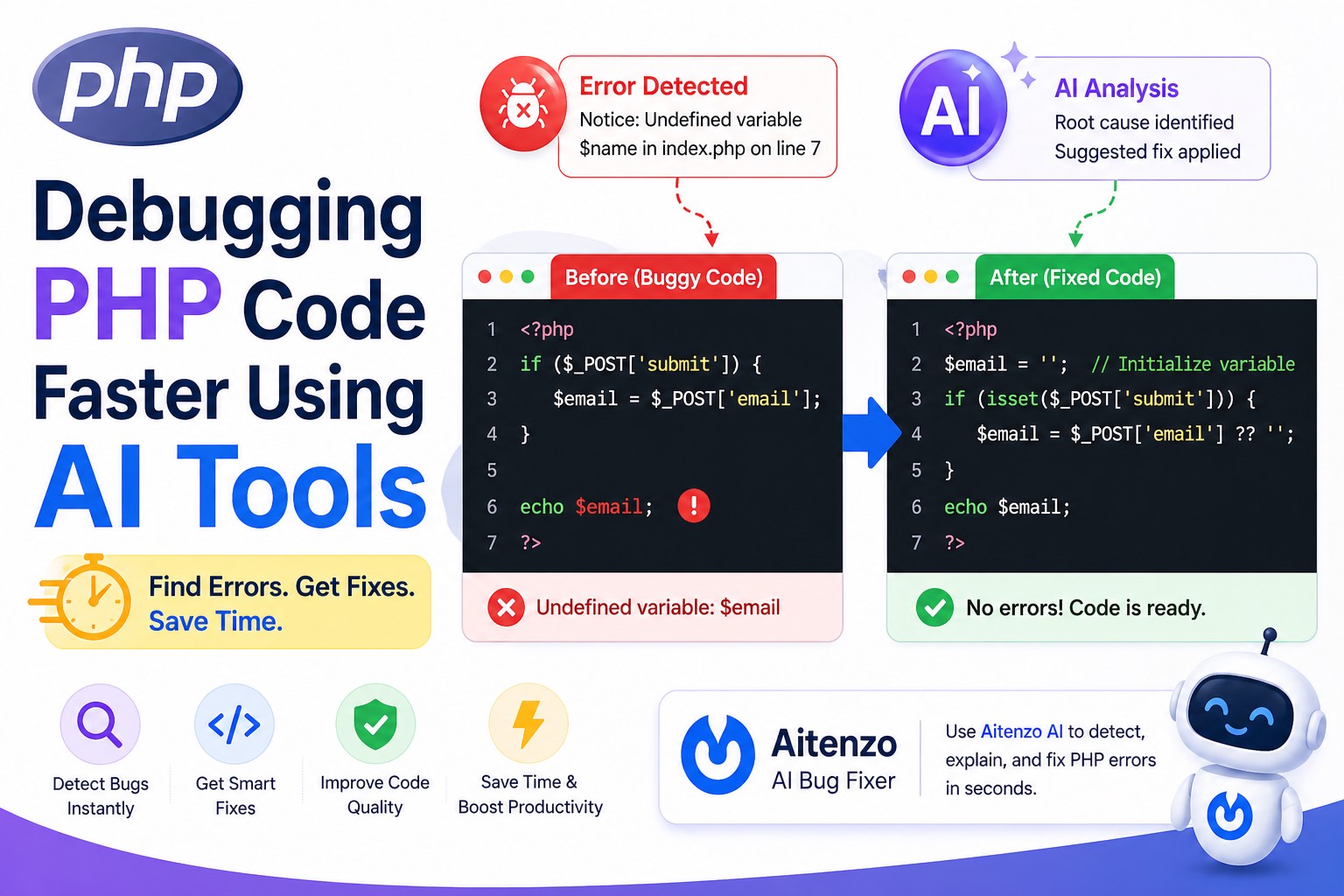
Broken Code
<?php
if ($_POST['submit']) {
  $email = $_POST['email'];
}

echo $email;
?>
Problem
If form isn’t submitted → $email is undefined.
Fixed Code
<?php
$email = '';

if (isset($_POST['submit'])) {
  $email = $_POST['email'] ?? '';
}

echo $email;
?>
Developer Insight
“Undefined variable” is not just a minor notice—it’s a sign that your data flow is not reliable.
In small scripts, it may seem harmless. In larger applications, it leads to:
Unexpected bugs
Broken logic
Hard-to-track issues
Once you adopt:
Proper initialization
Input validation
Structured debugging
This error becomes one of the easiest to fix—and avoid entirely.
And with tools like Aitenzo, you can detect and resolve these issues instantly while improving overall code quality.