var_dump() statements, and manually tracing execution flow. It works—but it’s slow, repetitive, and often frustrating, especially in large or legacy codebases.AI changes that workflow. Instead of manually hunting for issues, modern tools can analyze, detect, and fix PHP errors in seconds—while also explaining what went wrong.
This isn’t about replacing developers. It’s about eliminating friction in debugging so you can focus on building.
Why Traditional PHP Debugging Is Slow
Most developers follow a familiar cycle:
Error appears
Check logs
Add debug statements
Re-run code
Repeat
This approach has limitations:
Time-consuming for complex bugs
Hard to trace across multiple files
Inefficient for repetitive issues
AI compresses this entire process into a single step: analyze → fix.
How AI Debugging Works in PHP
AI tools are trained on:
Large PHP codebases
Common error patterns
Real-world bug fixes
When you provide:
Error message
Code snippet
AI can:
Identify the root cause
Suggest a working fix
Improve code quality
Tools like Aitenzo and ChatGPT use this approach to dramatically speed up debugging.
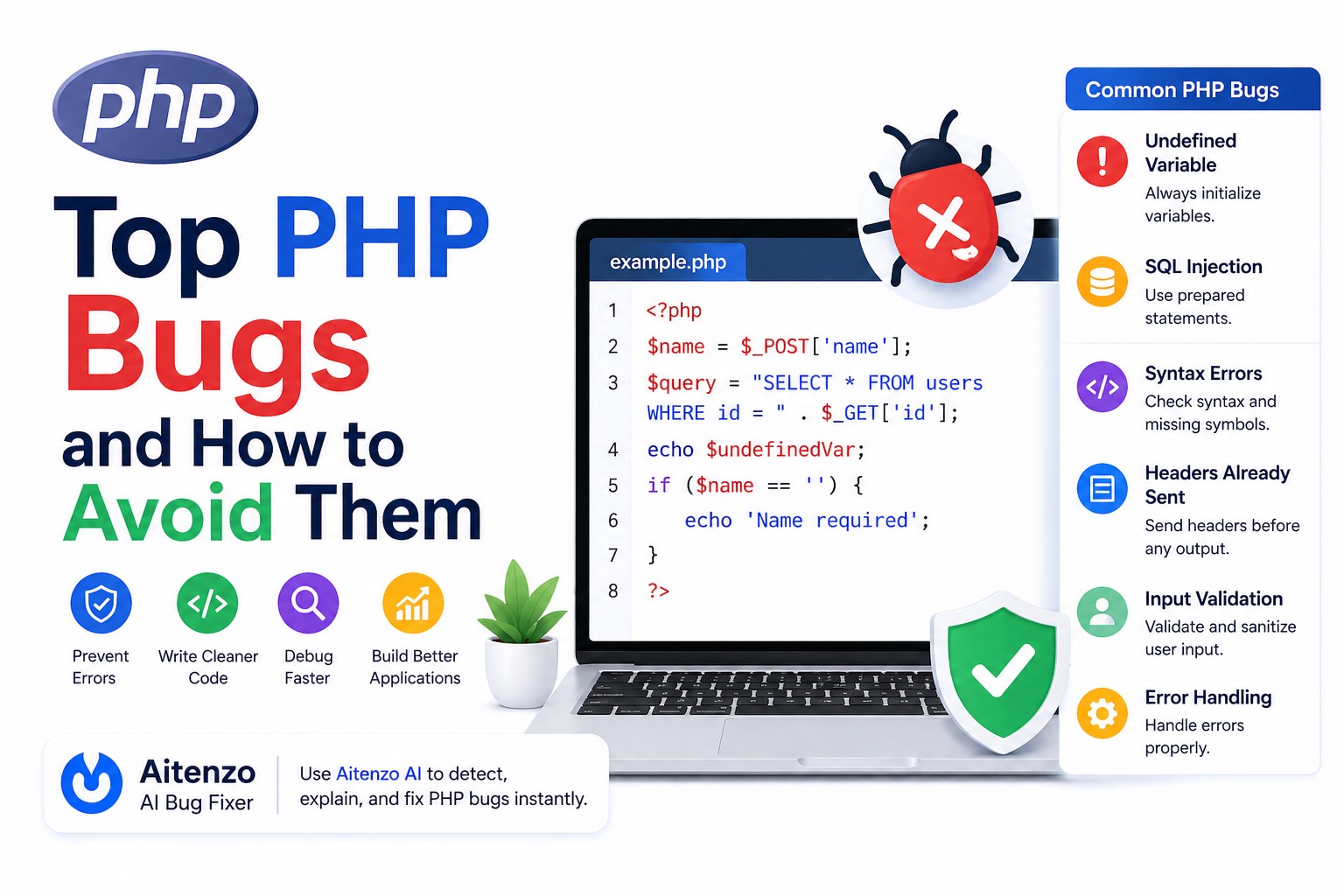
Common PHP Errors AI Can Fix Instantly
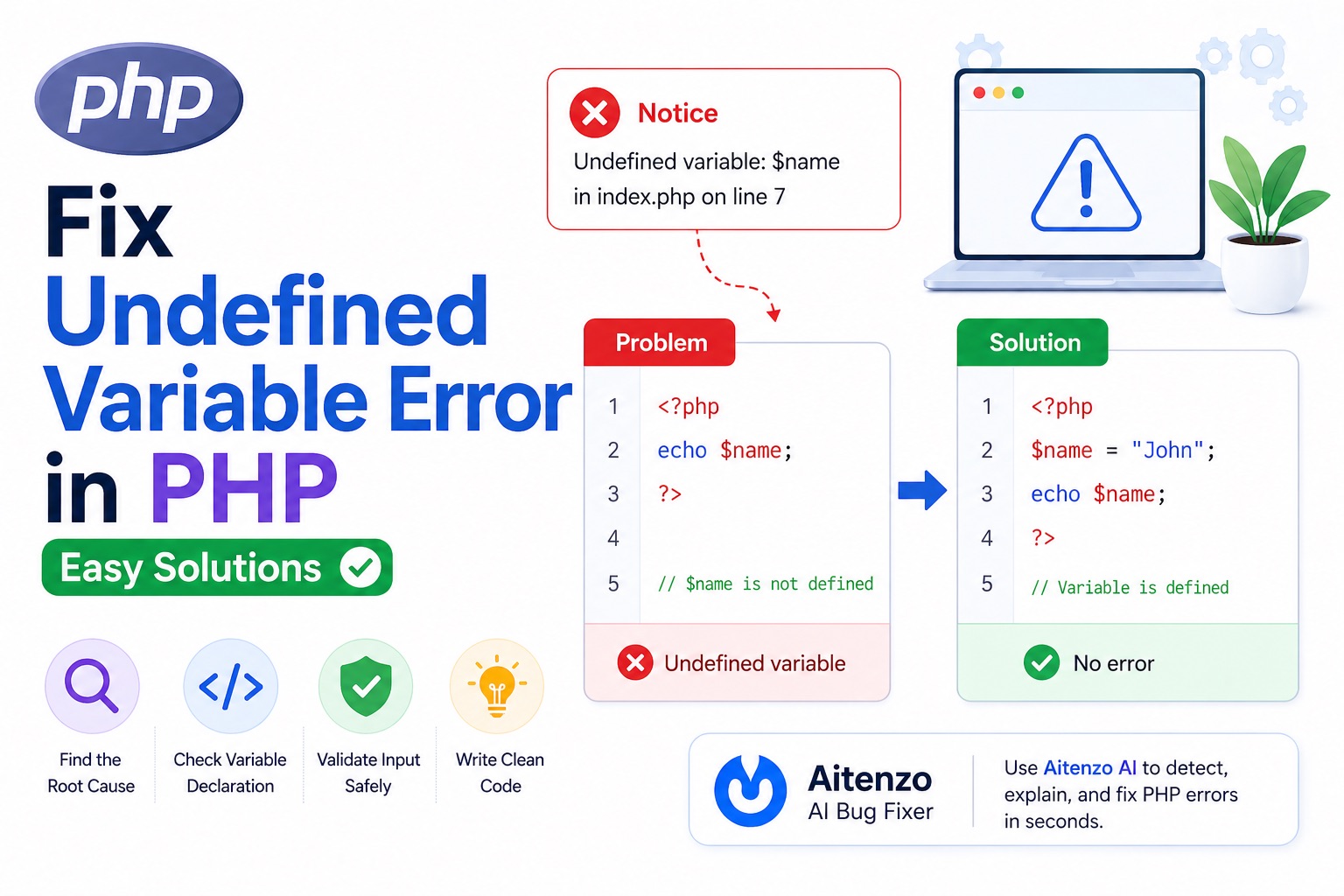
1. Undefined Variables
echo $user;
AI detects:
Variable not initialized
Fix:
$user = '';
echo $user;
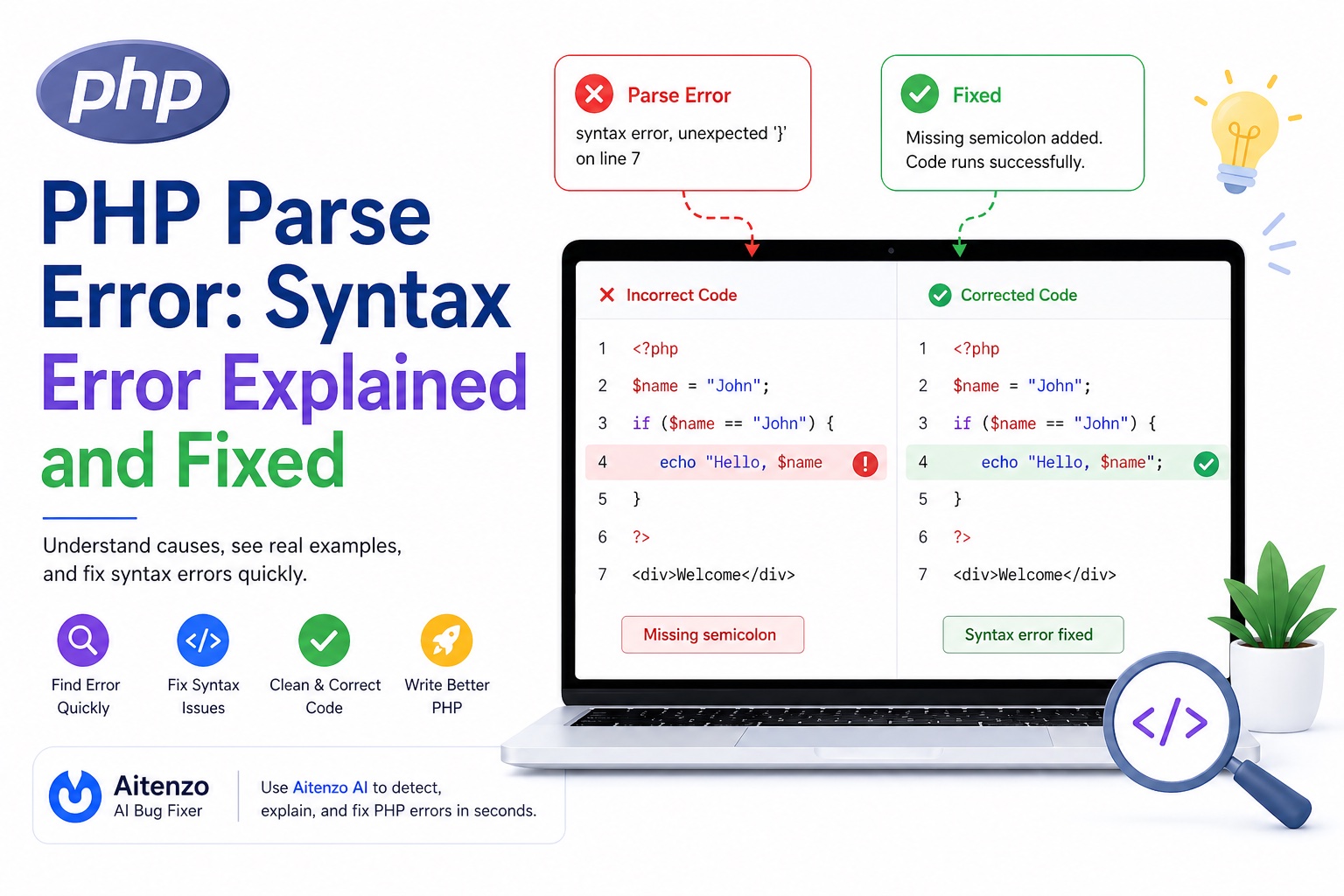
2. Syntax Errors (Parse Errors)
echo "Hello"
AI identifies:
Missing semicolon
Fix:
echo "Hello";
3. Include/Require Issues
include 'config.php';
AI checks:
File path
Context
Fix:
include __DIR__ . '/config.php';
4. Database Errors
mysqli_query($conn, $query);
AI can:
Detect connection issues
Suggest prepared statements
Improve query safety
5. Logical Bugs
AI doesn’t just fix syntax—it can:
Identify incorrect conditions
Optimize loops
Suggest better structure
Real Workflow: Debugging PHP with AI
Traditional Way
10–30 minutes per bug
Multiple trial-and-error attempts
AI-Powered Way
Copy error or code
Paste into Aitenzo
Get:
Root cause
Fixed code
Explanation
Time taken: seconds
Where AI Debugging Excels
1. Legacy PHP Projects
Old codebases often have:
Poor structure
Missing documentation
AI can quickly understand and fix issues.
2. Repetitive Errors
Instead of fixing the same type of bug repeatedly, AI handles it instantly.
3. Multi-File Debugging
AI can analyze context across:
Includes
Functions
Dependencies
4. Learning While Debugging
With tools like ChatGPT, you don’t just fix bugs—you understand:
Why it happened
How to avoid it
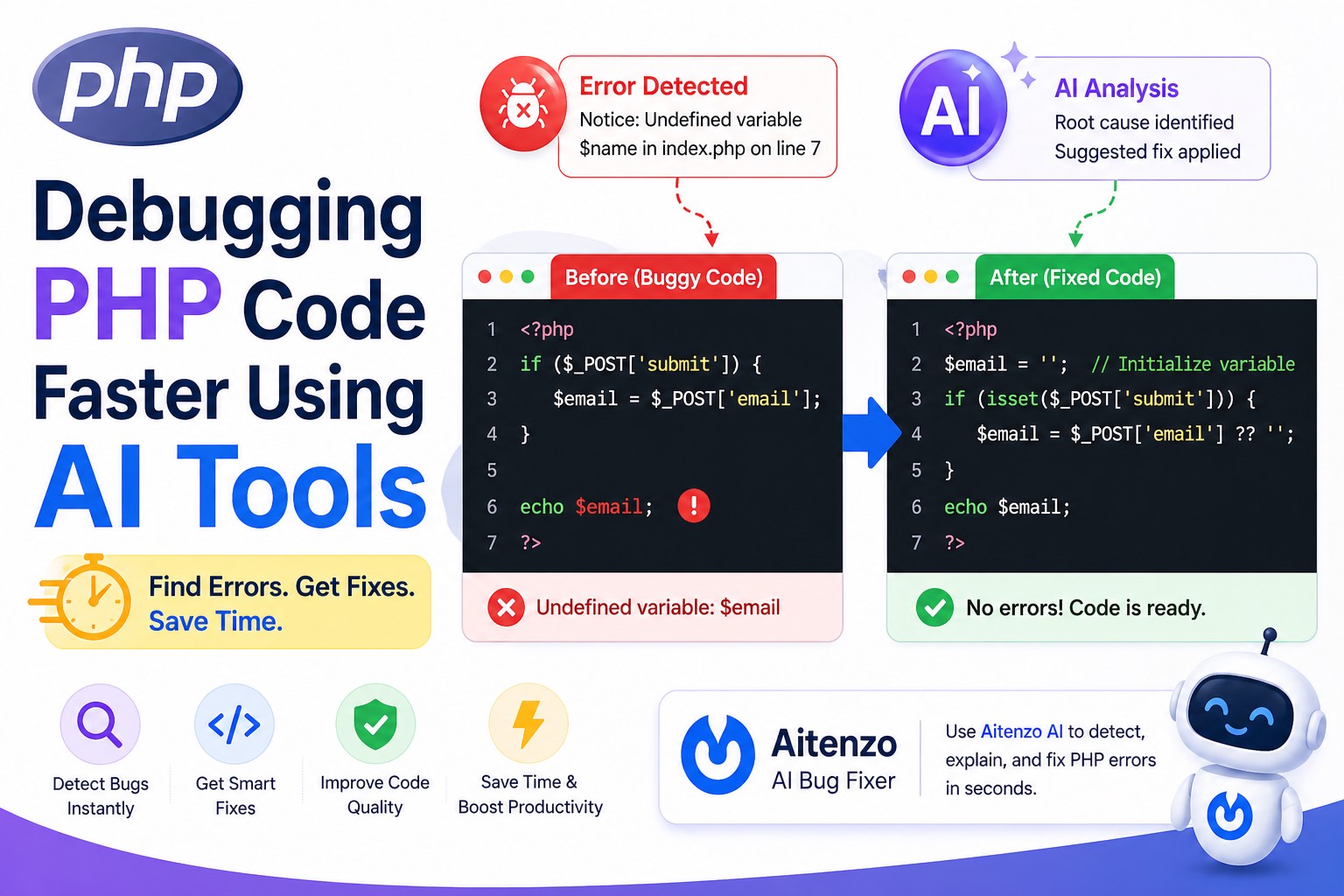
Step-by-Step: Using AI to Debug PHP
Step 1: Capture the Error
Notice: Undefined variable: email
Step 2: Provide Context
echo $email;
Step 3: Let AI Analyze
AI identifies:
Variable not initialized
Step 4: Apply Fix
$email = '';
echo $email;
Step 5: Improve Code
AI may suggest:
Validation
Better structure
Security improvements
Combining AI with Traditional Debugging
AI is powerful—but best used alongside solid fundamentals.
Use Both Together:
DevTools / Logs → Identify issue
AI Tools → Fix and optimize
This hybrid approach is the fastest and most reliable.
Best Practices for Faster PHP Debugging
1. Always Enable Error Reporting
error_reporting(E_ALL);
ini_set('display_errors', 1);
2. Write Clean, Structured Code
Cleaner code = easier AI analysis.
3. Validate Inputs Early
Prevents many runtime bugs.
4. Use Version Control
Track changes and debug regressions faster.
5. Keep Functions Small
Smaller units are easier to debug (for both humans and AI).
Limitations of AI Debugging
AI is powerful, but not perfect:
May lack full project context
Can misinterpret business logic
Needs correct input to give accurate output
You still need developer judgment.
The Shift in PHP Development
Debugging is no longer a slow, manual process.
With tools like Aitenzo:
Errors are fixed instantly
Code quality improves automatically
Development speed increases significantly
Instead of spending time finding bugs, you spend time building features.
That’s the real advantage of AI-powered debugging in modern PHP workflows.