The good news is that most PHP bugs are not random. They follow clear patterns. Once you recognize them, you can both fix and prevent them efficiently.
This guide breaks down the most common PHP bugs developers face and, more importantly, how to avoid them in real-world projects.
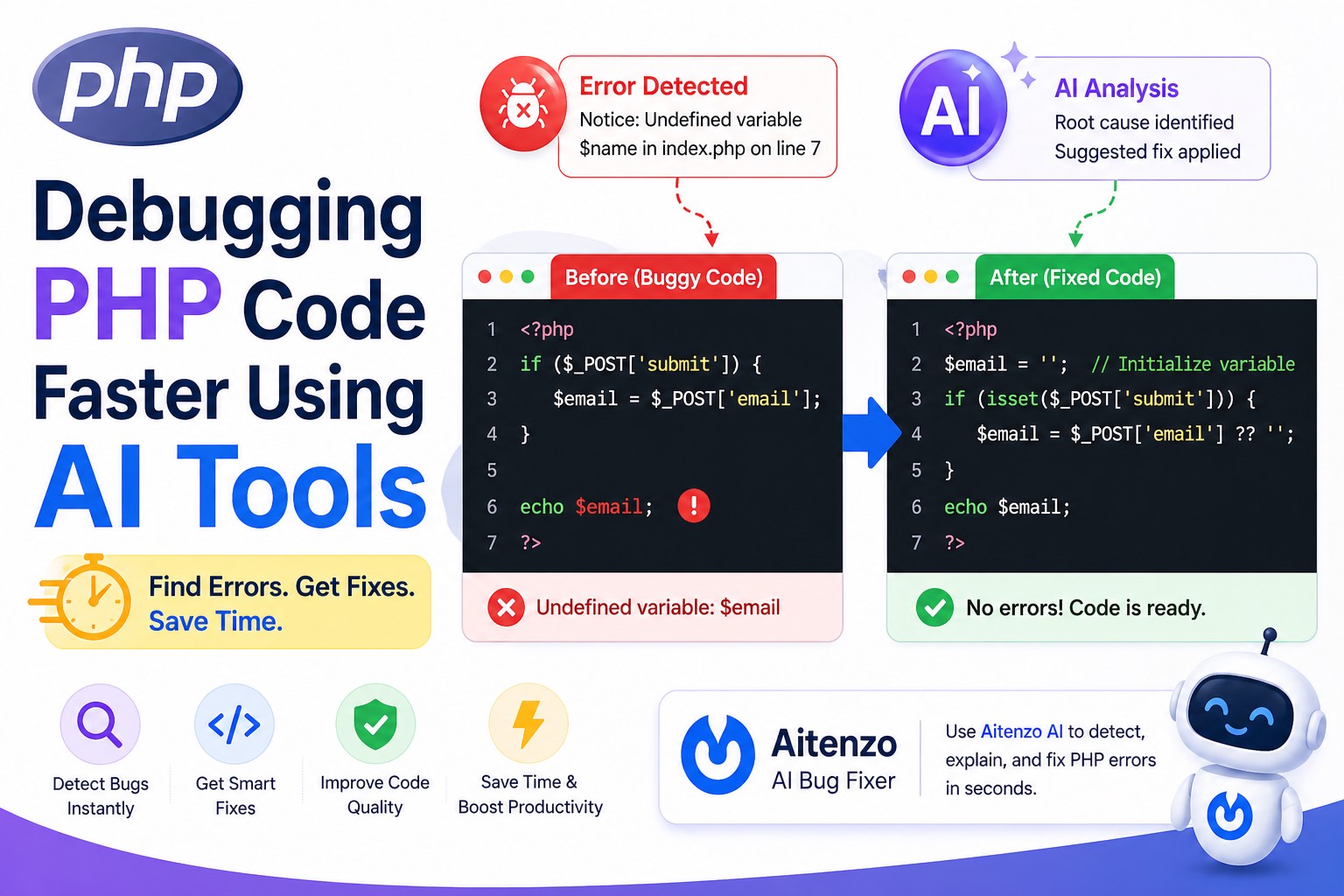
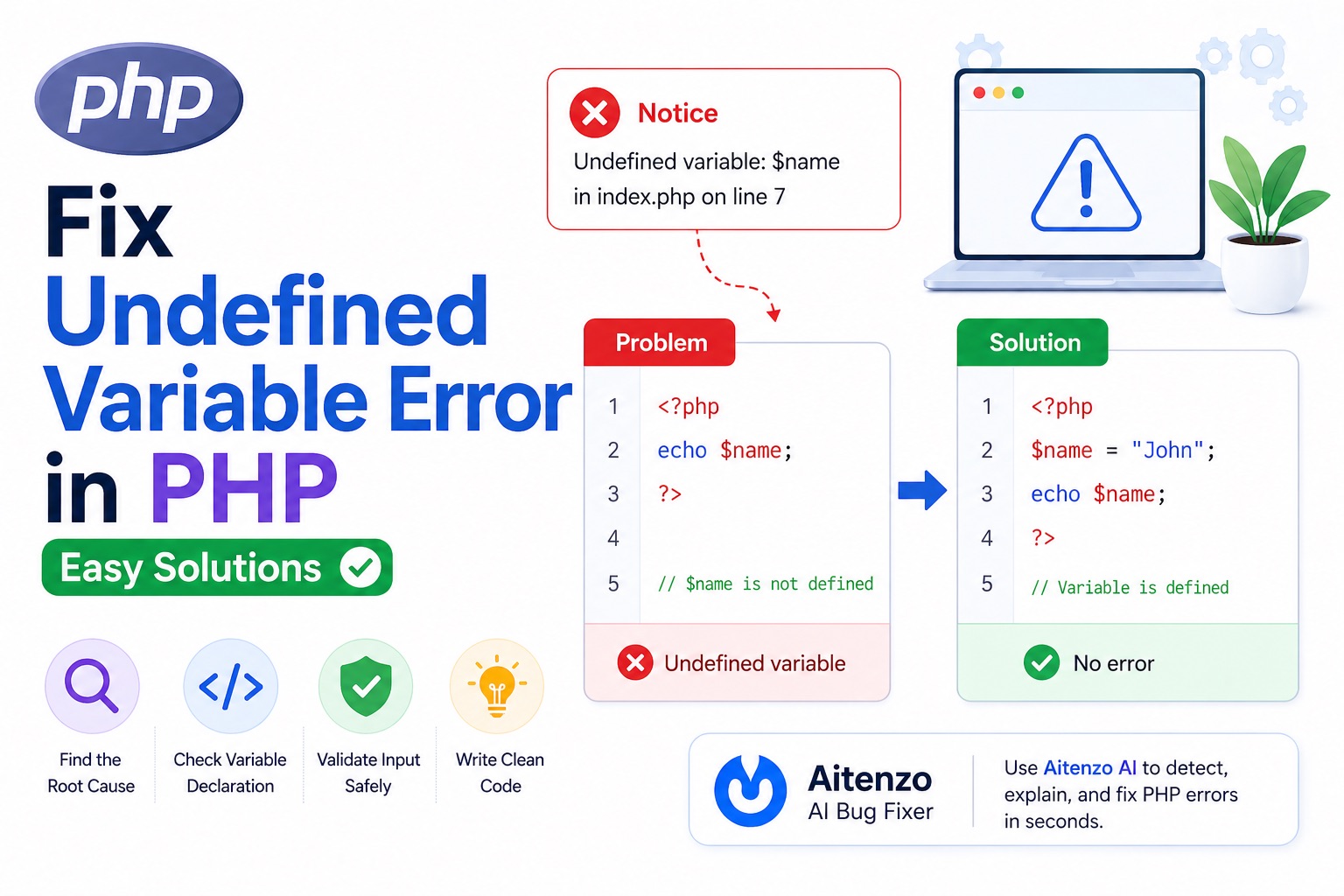
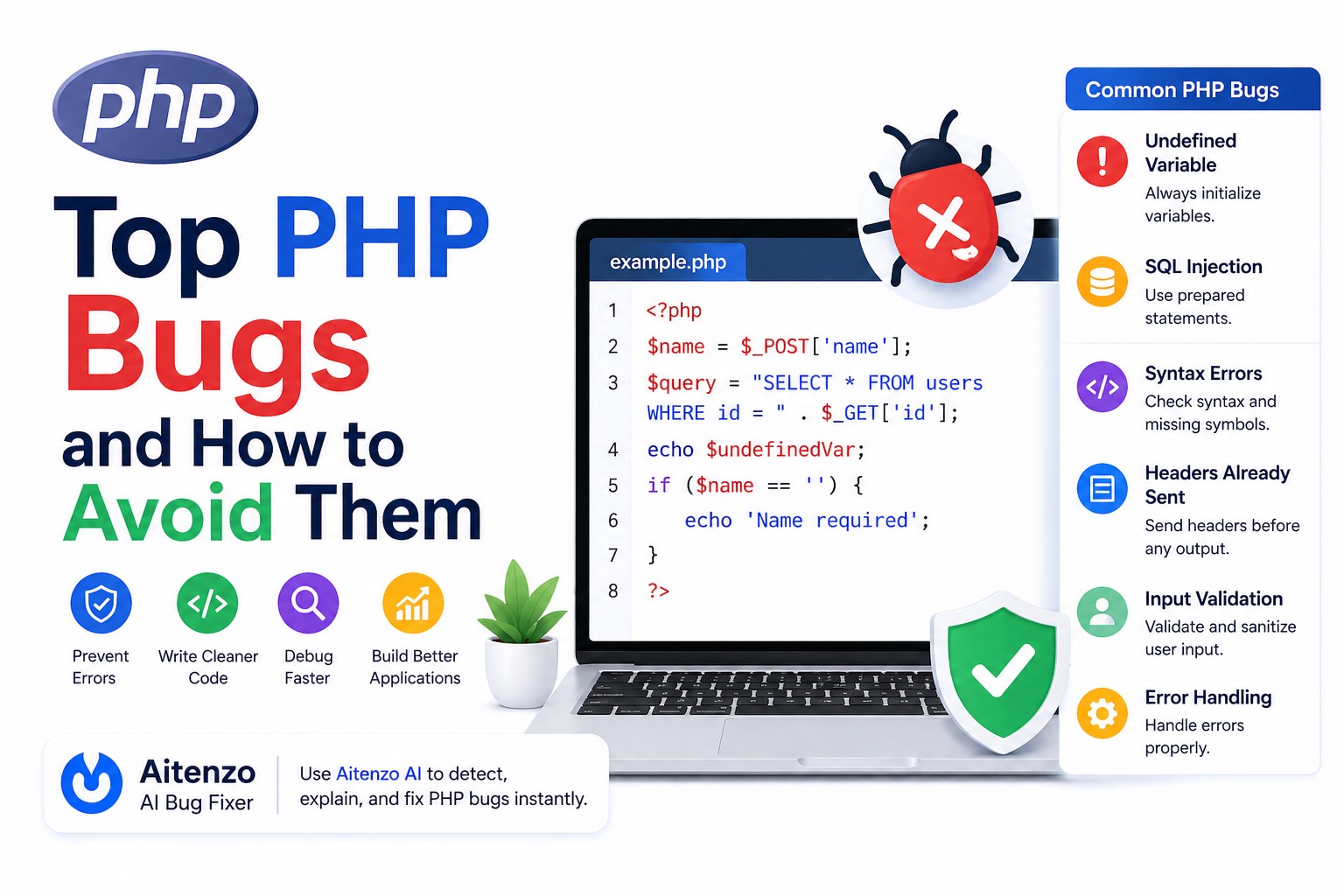
1. Undefined Variable Errors
echo $username; // ❌
Why it happens
Variable is used before being initialized.
How to avoid
Always initialize variables:
$username = '';
Use safe checks:
echo $username ?? '';
2. Undefined Index / Array Key
echo $_POST['email']; // ❌
Why it happens
The key may not exist in the request.
How to avoid
$email = $_POST['email'] ?? '';
Always assume input may be missing.
3. SQL Injection Vulnerabilities
$query = "SELECT * FROM users WHERE id = " . $_GET['id'];
Why it’s dangerous
User input is directly injected into SQL queries.
How to avoid
Use prepared statements:
$stmt = $pdo->prepare("SELECT * FROM users WHERE id = ?");
$stmt->execute([$id]);
Security bugs are more critical than syntax errors.
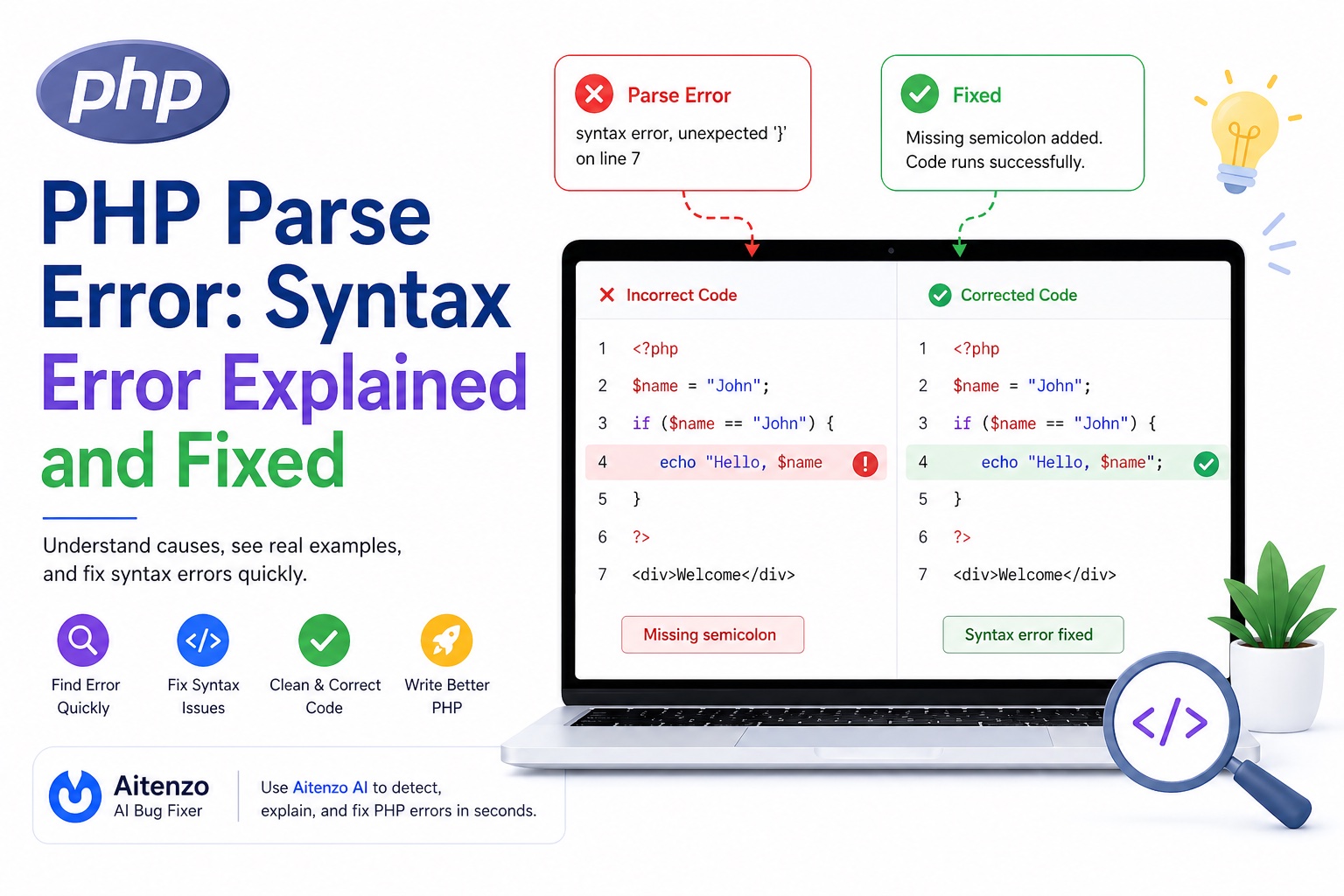
4. Parse Errors (Syntax Errors)
echo "Hello"
Why it happens
Missing semicolons, quotes, or brackets.
How to avoid
Use an IDE
Format code properly
Run code incrementally
5. Headers Already Sent Error
echo "Hi";
header("Location: home.php"); // ❌
Why it happens
Output is sent before headers.
How to avoid
Send headers first
Avoid accidental whitespace
6. Mixing Logic and HTML
<?php if ($user) { echo "<h1>".$user."</h1>"; } ?>
Why it’s a problem
Hard to read, debug, and maintain.
How to avoid
Separate logic and presentation:
<h1><?= htmlspecialchars($user) ?></h1>
Cleaner structure reduces bugs.
7. Improper Error Handling
file_get_contents("file.txt"); // ❌ no check
Why it happens
Errors are ignored.
How to avoid
$data = file_get_contents("file.txt");
if ($data === false) {
  // handle error
}
8. Weak Type Handling
if ("0" == false) { // ❌
Why it happens
Loose comparison causes unexpected results.
How to avoid
if ("0" === false) { // ✅
Always prefer strict comparisons.
9. File Path Issues
include 'config.php'; // ❌ may fail
Why it happens
Relative paths break depending on execution context.
How to avoid
include __DIR__ . '/config.php';
Use absolute paths.
10. White Screen of Death (WSOD)
No output, no error—just a blank page.
Why it happens
Fatal error with error display disabled.
How to avoid
Enable error reporting during development:
error_reporting(E_ALL);
ini_set('display_errors', 1);
11. Session Handling Mistakes
$_SESSION['user'] = "John"; // ❌
Why it happens
Session not started.
Fix
session_start();
12. Not Validating User Input
$email = $_POST['email']; // ❌
Why it’s risky
Invalid or malicious data enters your system.
How to avoid
$email = filter_input(INPUT_POST, 'email', FILTER_VALIDATE_EMAIL);
Professional Debugging Workflow
To handle PHP bugs efficiently, follow this structured approach:
Step 1: Enable Error Reporting
error_reporting(E_ALL);
ini_set('display_errors', 1);
Step 2: Read the Error Message
PHP tells you:
File
Line
Type
Use it.
Step 3: Inspect Variables
var_dump($data);
Step 4: Trace Execution Flow
Check:
Conditions
Includes
Function calls
Step 5: Use AI to Speed Up Debugging
Instead of manually tracing bugs, tools like:
Aitenzo
ChatGPT
can:
Detect issues instantly
Suggest fixes
Improve code structure
This is especially useful for:
Legacy PHP code
Complex backend logic
Large files
Preventing Bugs at Scale
As projects grow, prevention matters more than fixing.
Use Coding Standards
Consistent code reduces confusion.
Break Code into Functions
Smaller units = easier debugging.
Validate Everything
Never trust external input.
Use Version Control
Track changes and identify when bugs were introduced.
Test Frequently
Run code in small increments.
Developer Insight
Most PHP bugs are not complex—they’re avoidable.
They come from:
Missing checks
Poor structure
Assumptions about data
Once you adopt:
Defensive coding
Structured debugging
Tools like Aitenzo
You move from reacting to bugs → preventing them entirely.
That’s the real shift from beginner to professional PHP development.