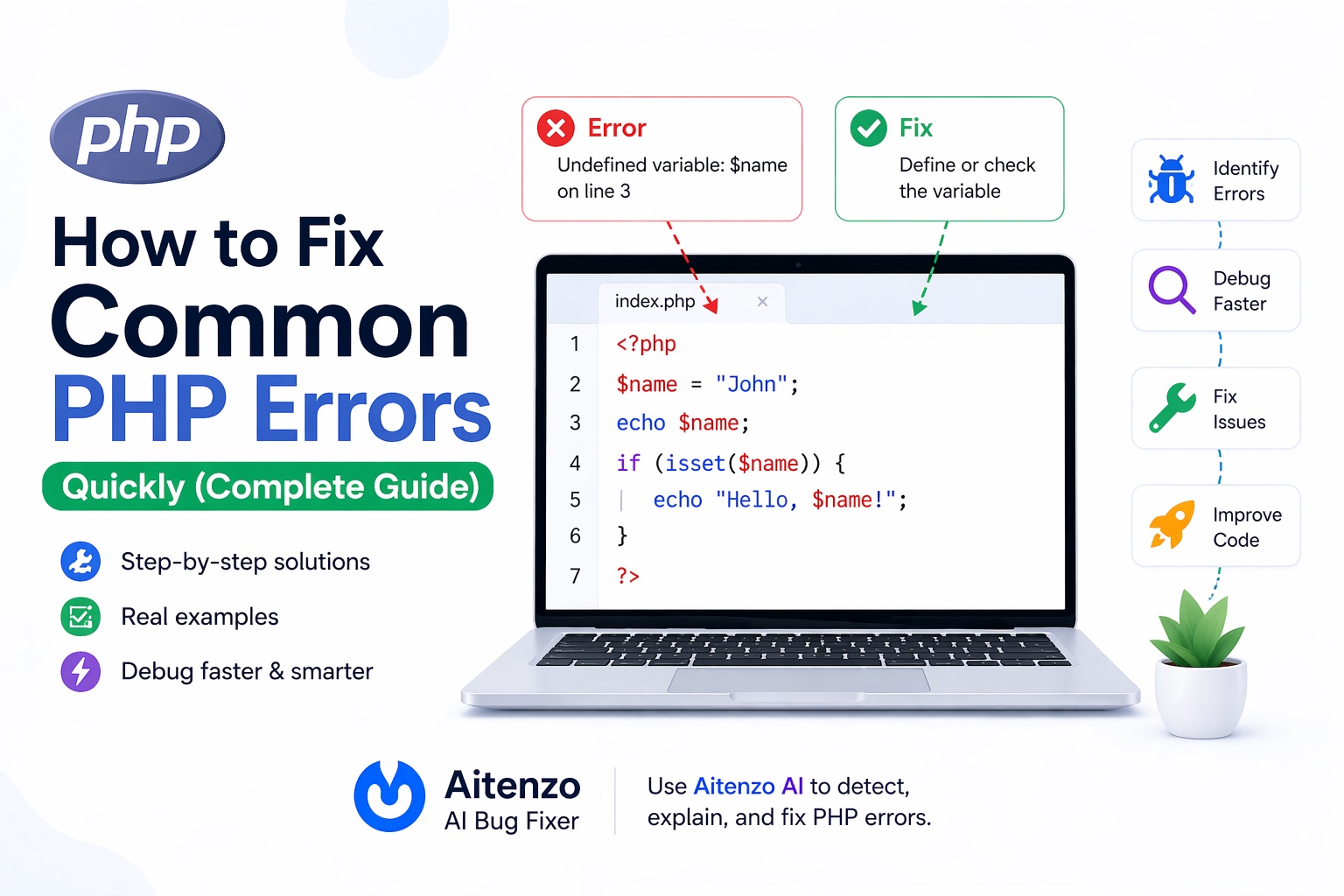
The good news: most PHP errors follow predictable patterns. Once you understand what they mean and how to approach them, fixes become fast and systematic.
This guide breaks down the most common PHP errors, why they happen, and how to fix them quickly using a professional debugging workflow.
Understanding PHP Error Types
Before jumping into fixes, you need to recognize what kind of error you’re dealing with:
Parse Errors → Syntax issues (code won’t run)
Fatal Errors → Execution stops immediately
Warnings → Code runs but something is wrong
Notices → Minor issues, often ignored (but shouldn’t be)
Each type tells you how critical the issue is.
1. Parse Error: Syntax Error
<?php
echo "Hello World"
?>
Error:
Parse error: syntax error, unexpected end of file
Why it happens
Missing semicolon or incorrect syntax.
Fix
echo "Hello World";
Pro Tip
Parse errors are the easiest—always check:
Missing
;Unclosed quotes
Brackets
{}
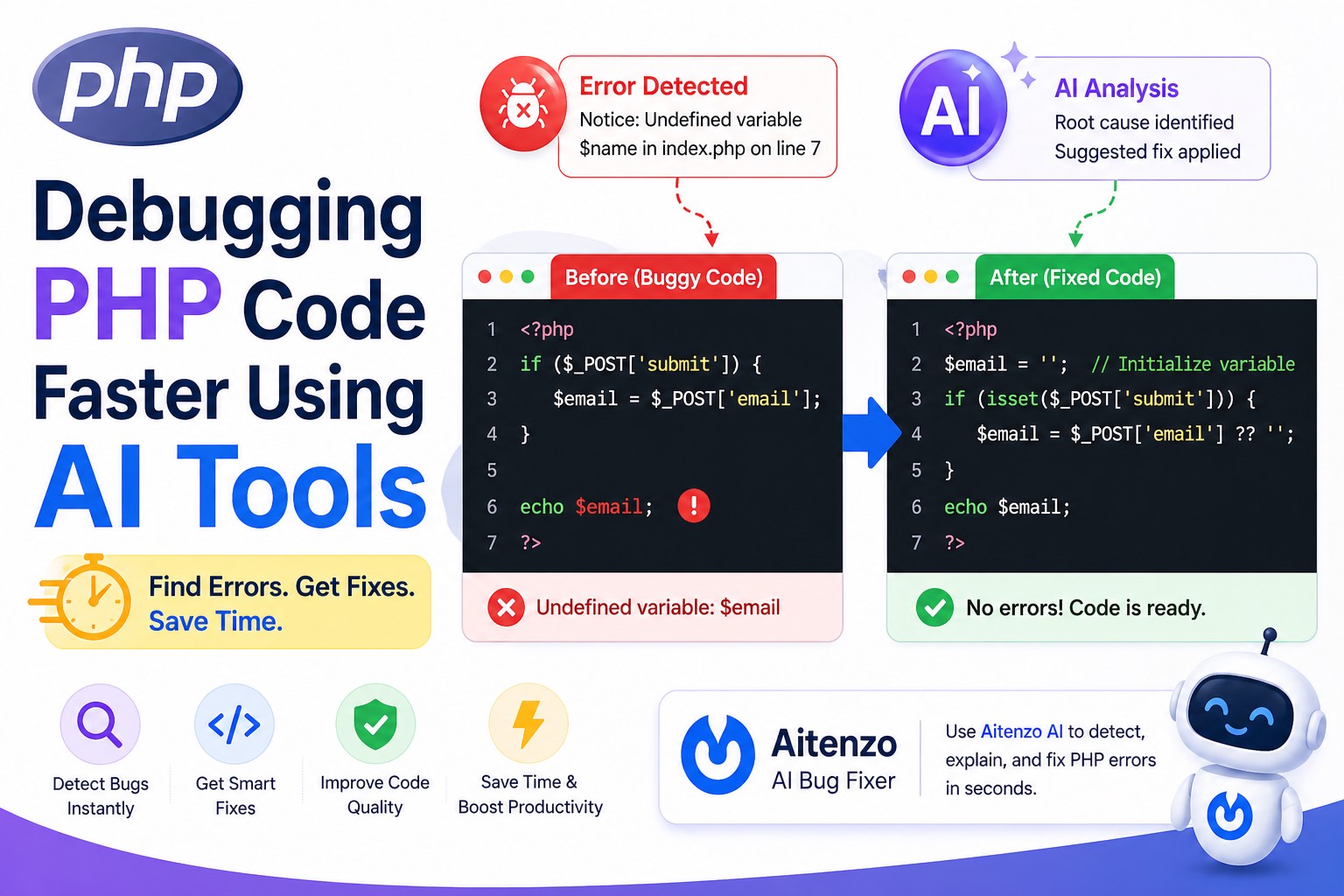
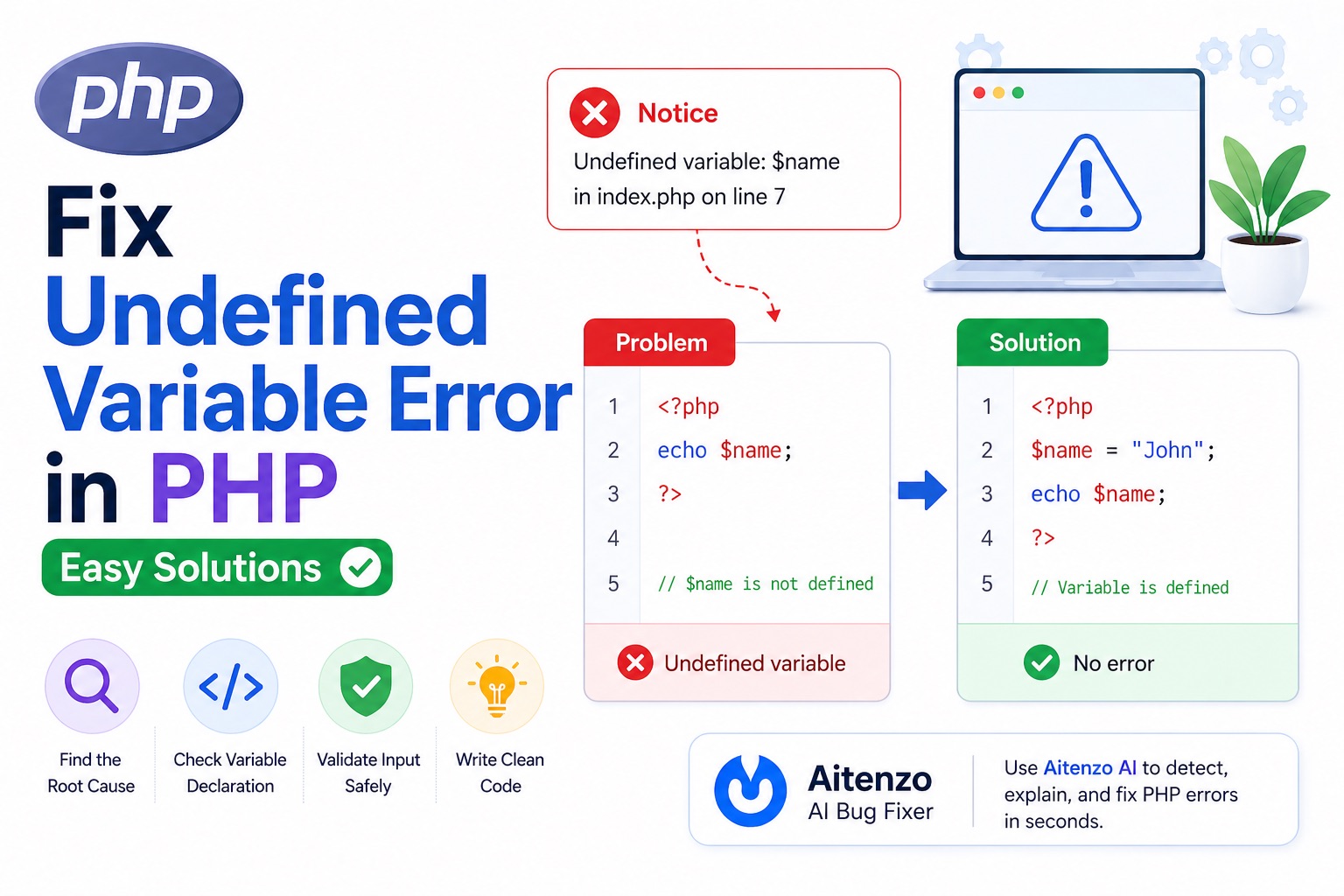
2. Undefined Variable
<?php
echo $name;
?>
Error:
Notice: Undefined variable: name
Why it happens
Variable is used before being declared.
Fix
$name = "John";
echo $name;
Better Practice
if (isset($name)) {
  echo $name;
}
3. Undefined Index / Array Key
<?php
echo $_POST['username'];
?>
Error:
Notice: Undefined index: username
Why it happens
The key doesn’t exist in the array.
Fix
echo $_POST['username'] ?? '';
4. Fatal Error: Call to Undefined Function
<?php
getUserData(); // ❌
?>
Why it happens
Function is not defined or not included.
Fix
Define the function
Or include the correct file
require 'functions.php';
5. Include / Require Errors
include 'config.php';
Error:
Warning: failed to open stream
Why it happens
File path is incorrect or file doesn’t exist.
Fix
include __DIR__ . '/config.php';
Use absolute paths for reliability.
6. Database Connection Errors
$conn = mysqli_connect("localhost", "root", "", "db");
Common issue
Connection fails silently or throws warning.
Fix
if (!$conn) {
  die("Connection failed: " . mysqli_connect_error());
}
7. Headers Already Sent
echo "Hello";
header("Location: home.php"); // ❌
Error:
Cannot modify header information - headers already sent
Why it happens
Output is sent before headers.
Fix
Move
header()before outputOr use output buffering
ob_start();
8. Maximum Execution Time Exceeded
while(true) {
  // infinite loop
}
Error:
Maximum execution time exceeded
Fix
Fix loop logic
Or increase limit (temporary)
set_time_limit(60);
9. Permission Denied Errors
file_put_contents("file.txt", "data");
Error:
Permission denied
Why it happens
File/folder permissions are incorrect.
Fix
Set correct permissions:
chmod 755 folder
chmod 644 file.txt
10. White Screen of Death (WSOD)
No error, just a blank page.
Why it happens
Fatal error with error display turned off.
Fix
Enable error reporting:
error_reporting(E_ALL);
ini_set('display_errors', 1);
Fast Debugging Workflow (Use This Every Time)
Professional PHP debugging is not random—it follows a system.
Step 1: Enable Error Reporting
error_reporting(E_ALL);
ini_set('display_errors', 1);
Without this, you’re debugging blind.
Step 2: Read the Error Message Carefully
PHP tells you:
File name
Line number
Error type
Use it.
Step 3: Inspect Variables
var_dump($data);
print_r($array);
This helps you understand actual values.
Step 4: Check File Paths and Includes
Many bugs come from:
Missing files
Wrong paths
Step 5: Validate Inputs
Always assume user input can break your code.
Step 6: Use AI for Faster Debugging
Instead of manually tracing errors, tools like:
Aitenzo
ChatGPT
can:
Analyze PHP errors instantly
Suggest fixes
Improve code quality
This is especially useful for:
Legacy PHP code
Complex backend logic
Preventing PHP Errors Before They Happen
Use Strict Coding Standards
Cleaner code = fewer bugs.
Validate Everything
if (!empty($data)) {
  // safe
}
Use Modern PHP Versions
Newer versions catch more errors early.
Separate Logic and Output
Avoid mixing PHP logic with HTML unnecessarily.
Log Errors Instead of Showing Them in Production
ini_set('log_errors', 1);
Developer Insight
Most PHP errors are not complex—they’re:
Missing variables
Wrong paths
Syntax issues
Poor validation
Once you recognize these patterns and follow a structured debugging approach, fixing PHP errors becomes quick and predictable.
Combine that with tools like Aitenzo, and debugging shifts from trial-and-error to a fast, controlled process.