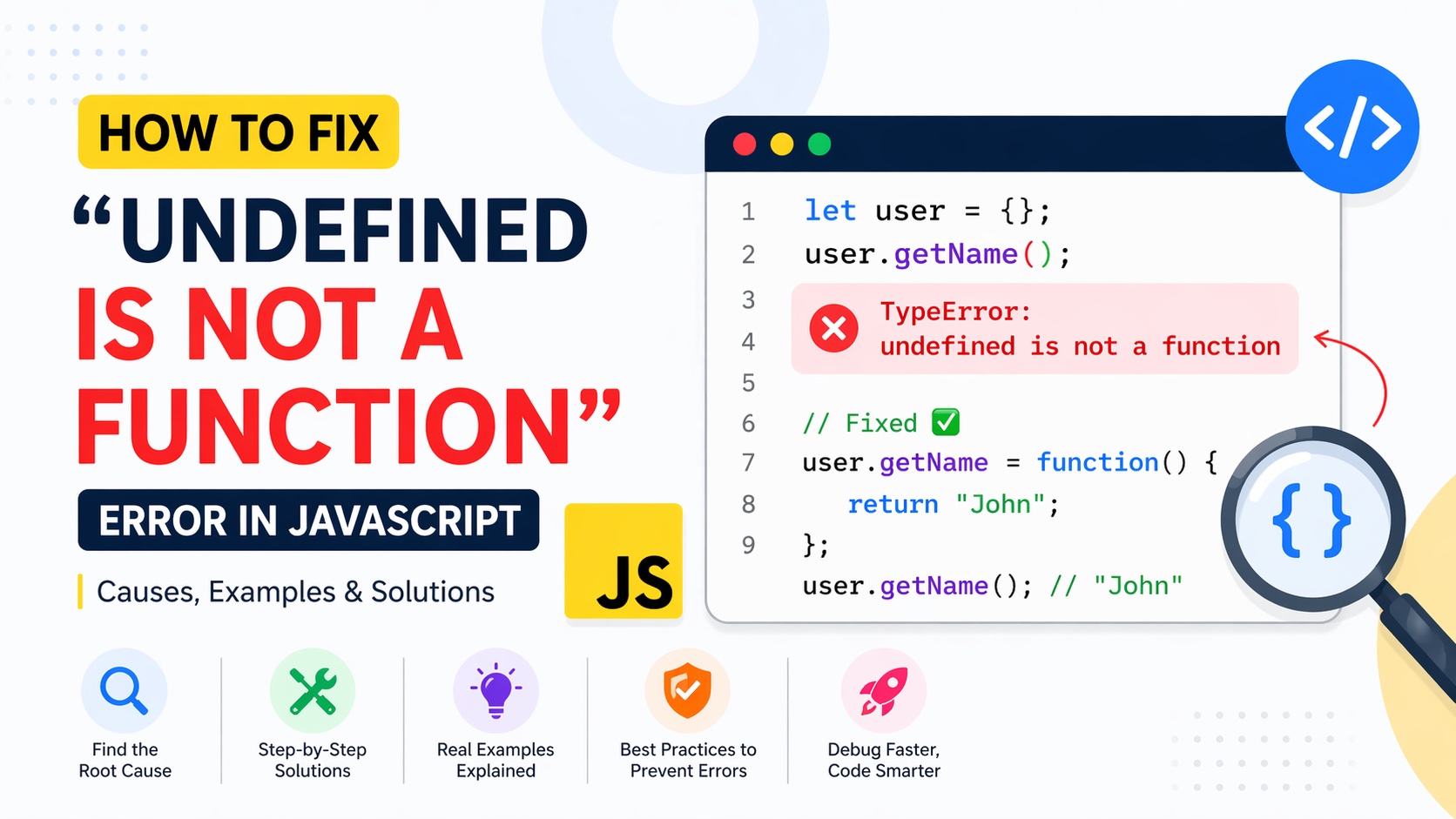
TypeError: undefined is not a function
It usually appears at runtime, breaks execution instantly, and often points to a deeper issue than the message suggests. For beginners, it’s confusing. For experienced developers, it’s a signal that something in the call chain isn’t what you think it is.
This guide breaks down why this error happens, how to diagnose it quickly, and how to fix it with precision.
What This Error Actually Means
At a technical level, JavaScript is telling you:
You tried to call something like a function, but its value is
undefined.
In other words, you wrote something like:
something()
…but something is not a function—it’s either:
undefinedor not defined at all
Most Common Causes (With Fixes)
1. Calling a Function That Doesn’t Exist
let user = {};
user.getName(); // ❌ Error
Why it happens:getName is not defined on user
Fix:
let user = {
  getName: function() {
    return "John";
  }
};
user.getName(); // ✅ Works
2. Typo in Function Name
function calculateTotal() {
  return 100;
}

calculateTotl(); // ❌ Typo → undefined
Fix:
calculateTotal(); // ✅ Correct
Even a single character mismatch leads to undefined.
3. Function Not Yet Loaded (Script Order Issue)
<script>
myFunction(); // ❌ Called before definition
</script>

<script>
function myFunction() {
  console.log("Hello");
}
</script>
Fix:
Move script below
Or use
defer
<script src="app.js" defer></script>
4. Incorrect Import / Export (ES Modules)
// utils.js
export function sum(a, b) {
  return a + b;
}

// main.js
import { add } from './utils.js'; // ❌ Wrong name
add(2, 3);
Fix:
import { sum } from './utils.js';
sum(2, 3); // ✅
Mismatch = undefined.
5. Using a Method on the Wrong Data Type
let num = 10;
num.split(""); // ❌ split is not a function on numbers
Fix:
String(num).split(""); // ✅
Always verify the data type before calling methods.
6. Losing this Context
const user = {
  name: "John",
  getName() {
    return this.name;
  }
};

const fn = user.getName;
fn(); // ❌ this is undefined
Fix:
fn.call(user); // ✅
Or use arrow functions / binding.
7. Overwriting a Function by Mistake
function greet() {
  console.log("Hello");
}

greet = "Hi"; // ❌ Overwritten
greet(); // Error
Fix:
Avoid reassigning function names.
Fast Debugging Workflow
When you see this error, don’t guess—follow a structured approach:
Step 1: Check the Line Number
The stack trace tells you exactly where the issue occurred.
Step 2: Log the Variable
console.log(typeof something);
If it prints:
undefined
→ That’s your problem.
Step 3: Verify the Source
Ask:
Is the function defined?
Is it imported correctly?
Is it available at runtime?
Step 4: Check Execution Order
Many bugs come from calling functions before they exist.
Step 5: Use AI for Instant Fix
Instead of manually tracing everything, tools like:
Aitenzo
ChatGPT
can analyze your code and pinpoint the issue in seconds.
Real Example: Debugging with AI
Input:
let arr = [1, 2, 3];
arr.mapValue(x => x * 2);
AI identifies:
mapValuedoesn’t existCorrect method is
map
Fix:
arr.map(x => x * 2);
This eliminates manual searching and speeds up debugging significantly.
Preventing This Error in Future
1. Use Type Checking
if (typeof fn === "function") {
  fn();
}
2. Enable Linting
Tools like ESLint catch:
Undefined variables
Invalid function calls
before runtime.
3. Use Modern Tooling
TypeScript can prevent this entirely by enforcing:
Type safety
Function validation
4. Keep Code Modular and Clean
Messy code increases the chance of:
Naming conflicts
Missing functions
Import issues
Why This Error Is So Common
JavaScript is:
Dynamically typed
Flexible
Runtime-evaluated
That flexibility is powerful—but it also allows mistakes like calling undefined functions without compile-time checks.
Developer Insight
“Undefined is not a function” is rarely the real problem—it’s a symptom.
The real issue is usually:
Wrong reference
Missing function
Incorrect data type
Execution timing
Once you learn to trace these patterns, this error becomes one of the easiest to fix.
Pro Tip: Combine Debugging + AI
A modern workflow:
Hit error
Inspect line
Paste code into Aitenzo
Get instant fix + explanation
Apply and move forward
This reduces debugging time from minutes to seconds while improving your understanding of JavaScript behavior.