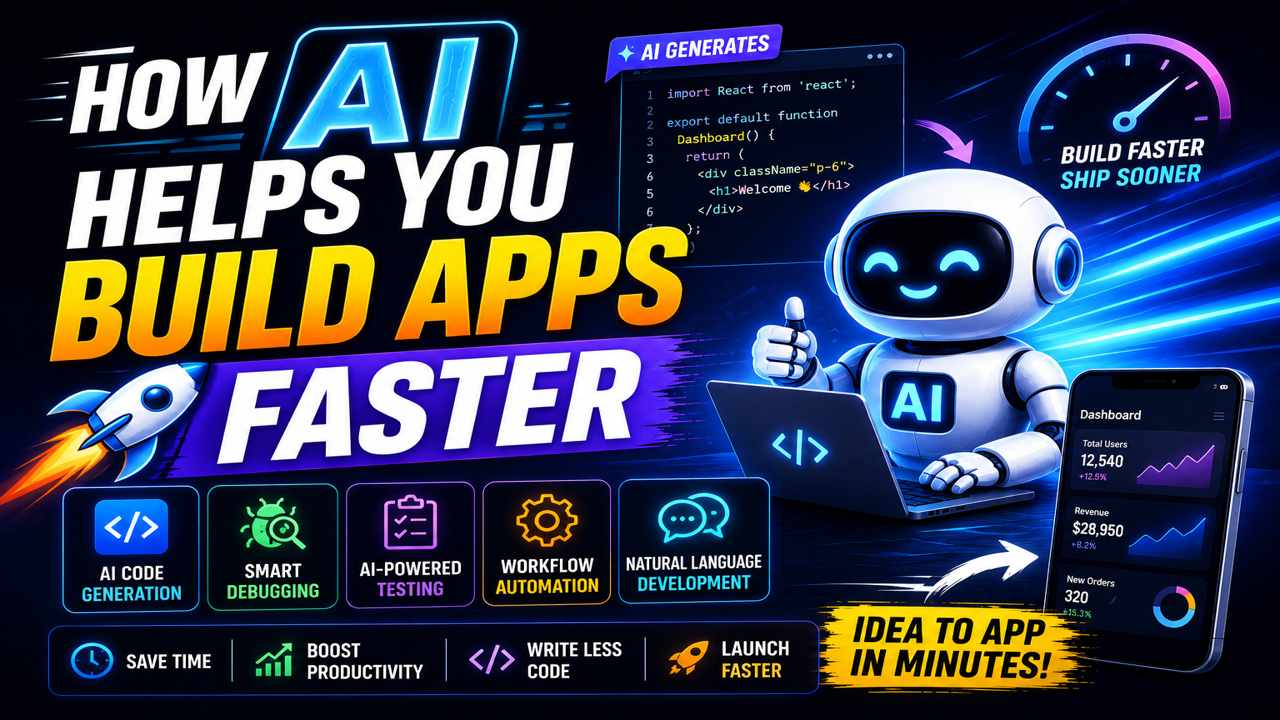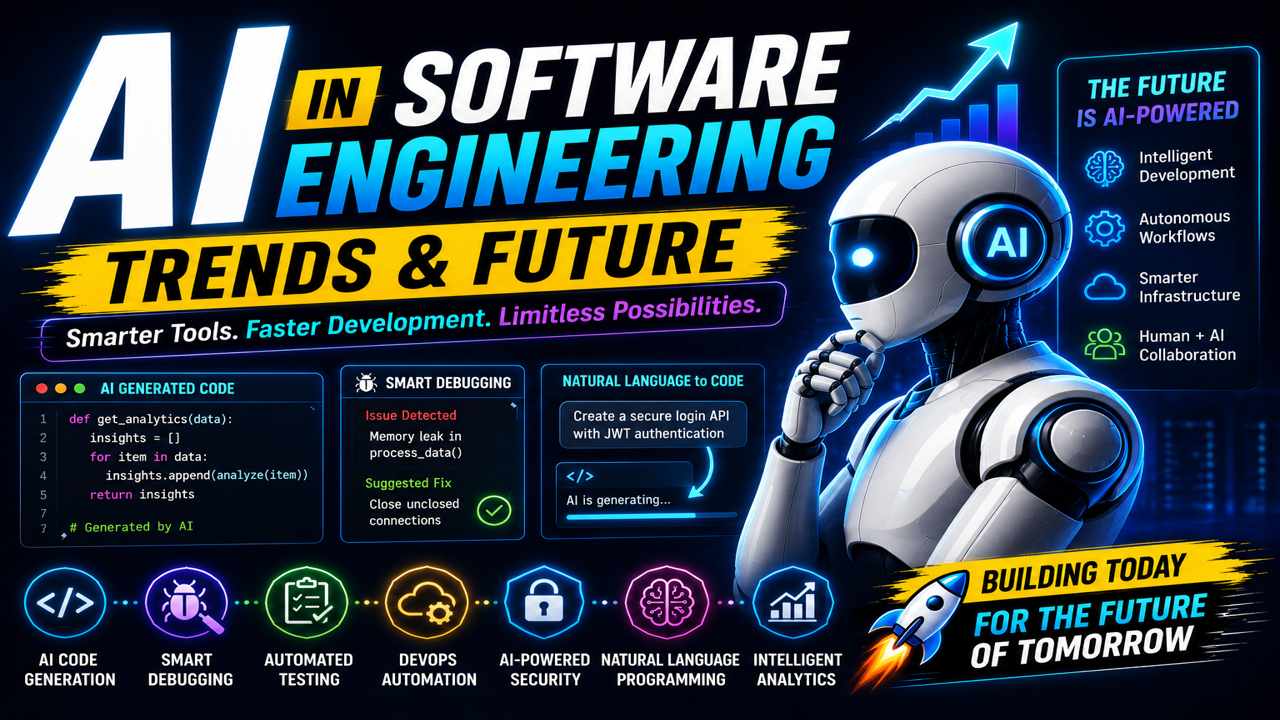
Software development is evolving faster than ever, and Artificial Intelligence is now at the center of that transformation. Developers are no longer relying solely on manual coding, documentation searches, and repetitive debugging processes. Modern AI tools are streamlining workflows, accelerating development cycles, and helping teams build software with greater efficiency.
In 2026, developer productivity is no longer measured only by coding speed. It’s measured by how effectively developers use AI to automate repetitive work, reduce context switching, improve code quality, and focus on high-impact engineering tasks.
The right AI tools can dramatically improve:
- Development speed
- Code accuracy
- Team collaboration
- Debugging efficiency
- Workflow automation
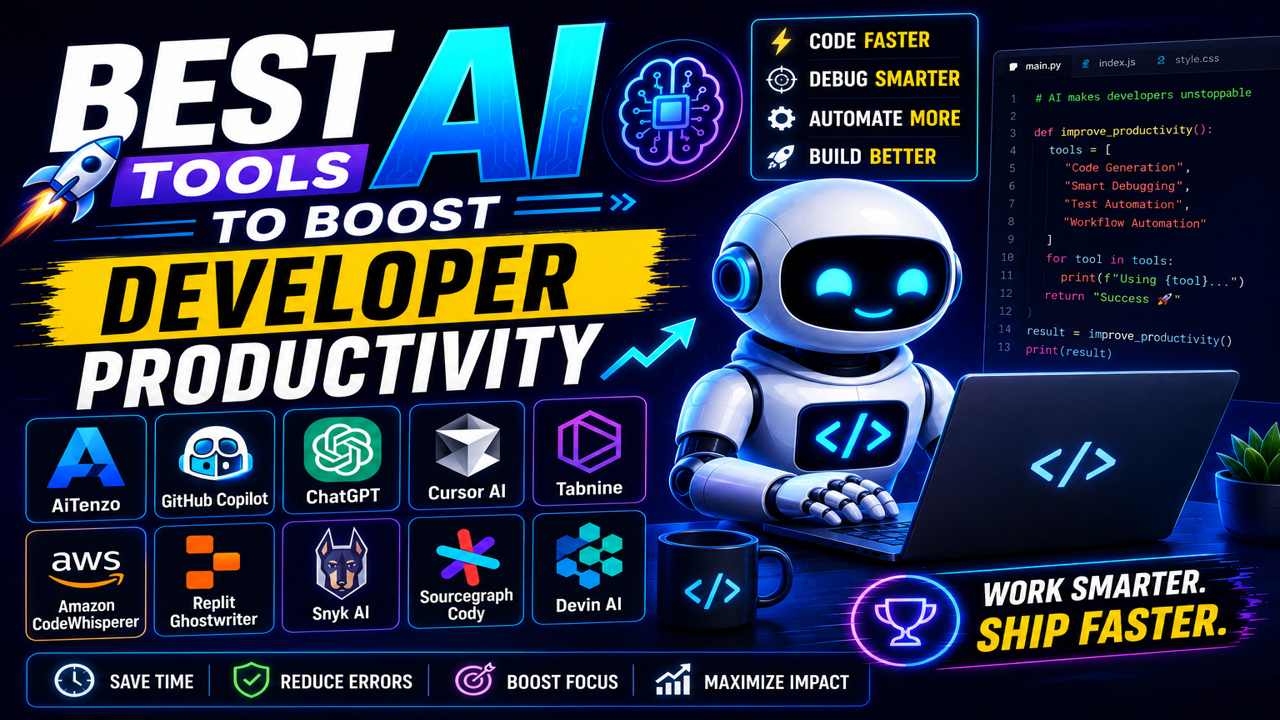
This guide explores the best AI tools developers are using today to maximize productivity across the entire software development lifecycle.
Why AI Productivity Tools Matter
Modern software engineering involves much more than writing code.
Developers constantly manage:
- APIs
- Testing workflows
- Infrastructure
- Security
- Documentation
- CI/CD pipelines
- Performance optimization
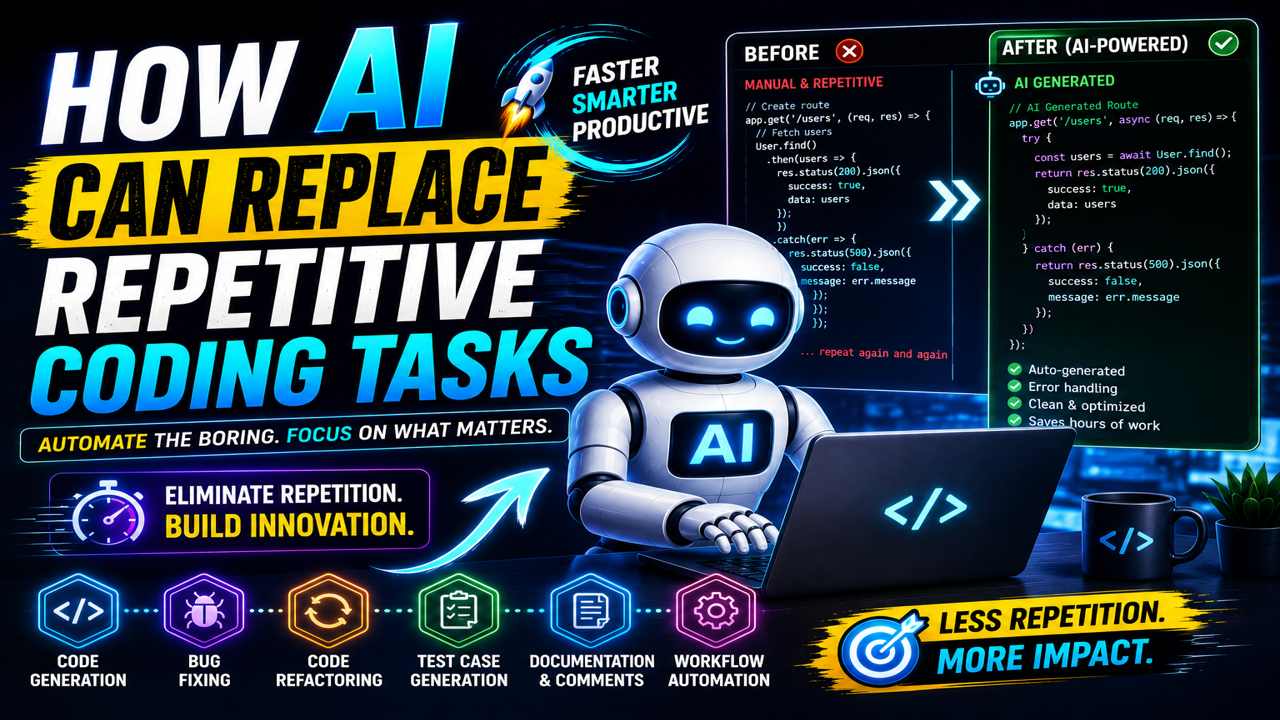
A large portion of development time is spent on repetitive operational tasks rather than actual innovation.
AI tools reduce this overhead by:
- Automating routine processes
- Generating code intelligently
- Detecting errors early
- Assisting with optimization
- Accelerating project workflows
This allows developers to spend more time solving meaningful problems.
1. AiTenzo
AiTenzo is designed as an all-in-one AI coding platform focused on improving developer productivity across multiple workflows.
Instead of relying on separate tools for:
- Debugging
- Code generation
- Optimization
- Workflow automation
AiTenzo combines these capabilities into a unified environment.
Key Productivity Benefits
- Faster code generation
- Smart debugging assistance
- Workflow automation
- AI-powered optimization
- Reduced repetitive coding tasks
For developers building SaaS applications, APIs, automation systems, or large-scale web platforms, centralized AI workflows significantly improve efficiency.
One major advantage of unified platforms is reduced context switching between multiple tools and services.
2. GitHub Copilot
GitHub Copilot remains one of the most popular AI coding assistants available today.
Integrated directly into IDEs like Visual Studio Code, it provides:
- Real-time code suggestions
- Function generation
- Boilerplate automation
- Context-aware autocomplete
Why Developers Use It
Copilot helps reduce repetitive typing and accelerates implementation speed for common coding patterns.
It is particularly useful for:
- Frontend development
- API creation
- Utility functions
- Standardized workflows
Developers can maintain coding momentum without constantly switching to documentation or search engines.
3. ChatGPT
ChatGPT has become one of the most versatile productivity tools for developers.
It is widely used for:
- Debugging complex issues
- Learning frameworks
- Explaining code
- Generating scripts
- Brainstorming architectures
- Writing technical documentation
Productivity Advantage
The conversational workflow allows developers to:
- Solve problems faster
- Get instant explanations
- Generate implementation ideas quickly
Instead of spending hours researching solutions manually, developers can iterate with AI in real time.
4. Cursor AI
Cursor AI is transforming how developers interact with their code editors.
Unlike traditional autocomplete tools, Cursor provides:
- Repository-aware assistance
- AI-powered file editing
- Natural language coding workflows
- Smart code navigation
Why It Boosts Productivity
Developers can:
- Refactor faster
- Search repositories intelligently
- Modify files using prompts
- Understand large codebases more efficiently
This dramatically reduces time spent navigating complex projects.
5. Tabnine
Tabnine focuses on AI-powered code completion with strong personalization features.
It adapts suggestions based on:
- Team coding styles
- Existing repositories
- Developer behavior
Key Productivity Features
- Fast autocomplete
- Low-latency suggestions
- Team-aware coding patterns
- Secure development environments
Many enterprise teams prefer Tabnine because of its focus on privacy and internal model training.
6. Amazon CodeWhisperer
Amazon CodeWhisperer is especially useful for developers working inside AWS ecosystems.
It provides:
- AI-generated code suggestions
- Cloud workflow support
- AWS service integration assistance
- Security recommendations
Best Use Cases
- Serverless development
- AWS Lambda projects
- Cloud-native infrastructure
Developers working heavily with AWS can accelerate implementation significantly.
7. Replit Ghostwriter
Replit Ghostwriter is optimized for browser-based development environments.
It combines:
- AI code generation
- Cloud IDE workflows
- Lightweight collaboration
- Rapid prototyping tools
Productivity Benefits
Ghostwriter enables developers to:
- Build MVPs faster
- Prototype quickly
- Collaborate remotely
Its simplicity makes it especially useful for startups and solo developers.
8. Snyk AI
Security-related issues can severely impact developer productivity when discovered late in development.
Snyk AI helps developers:
- Detect vulnerabilities early
- Secure dependencies
- Identify risky code patterns
- Automate security scanning
Why It Matters
Fixing security problems during development is significantly faster and less expensive than post-deployment remediation.
AI-assisted security tools reduce both:
- Engineering overhead
- Operational risk
9. Sourcegraph Cody
Large codebases create major productivity challenges.
Sourcegraph Cody helps developers:
- Search repositories intelligently
- Understand complex systems
- Analyze dependencies
- Navigate large projects faster
Ideal For
- Enterprise teams
- Legacy systems
- Multi-repository environments
AI-powered repository intelligence dramatically reduces onboarding and maintenance time.
10. Devin AI
Devin AI introduced a new category of AI-powered development systems focused on autonomous task execution.
Rather than simply suggesting code, Devin attempts to:
- Plan development tasks
- Execute workflows
- Solve issues independently
- Handle implementation objectives
This signals the future direction of AI-assisted software engineering:
- More autonomous workflows
- Reduced manual coordination
- AI-driven engineering execution
How AI Improves Developer Productivity
The biggest productivity gains from AI come from reducing:
- Repetition
- Manual troubleshooting
- Context switching
- Boilerplate coding
- Research overhead
AI tools help developers:
- Stay focused longer
- Maintain coding momentum
- Automate low-value tasks
- Solve problems faster
The result is not just faster development—it’s higher-leverage engineering.
Productivity Is No Longer About Typing Faster
Traditional productivity focused heavily on:
- Coding speed
- Technical memorization
- Manual implementation efficiency
Modern productivity is shifting toward:
- Workflow optimization
- AI-assisted engineering
- Intelligent automation
- Faster decision-making
The most productive developers today are not necessarily writing the most code manually.
They are:
- Using AI strategically
- Delegating repetitive tasks
- Automating operational workflows
- Focusing on high-level problem-solving
The Future of Developer Productivity Is AI-Assisted
AI tools are becoming deeply integrated into every stage of software development.
From:
- Code generation
- Smart debugging
- Automated testing
- Workflow automation
- Security analysis
- Infrastructure optimization
AI is helping developers eliminate friction across the development lifecycle.
The competitive advantage is becoming increasingly clear:
Developers who learn how to work effectively with AI systems are building faster, scaling projects more efficiently, and maintaining higher productivity levels than traditional workflows allow.